Photo credits
Plant photos come from Wikimedia Commons. Here are their authors and licences.
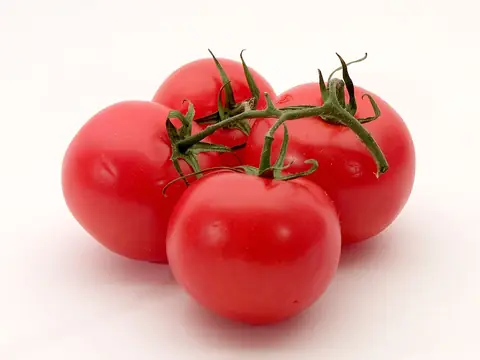 Tomato
Photo: Softeis · CC BY-SA 3.0 · Wikimedia Commons
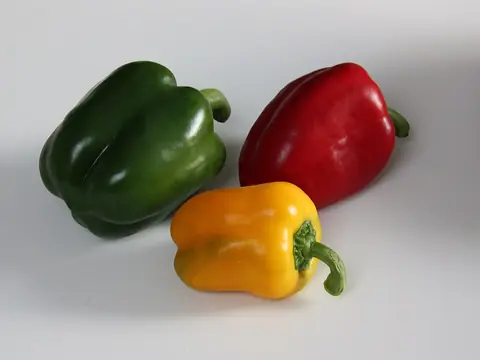 Pepper
Photo: Kham Tran - www.khamtran.com · CC BY-SA 3.0 · Wikimedia Commons
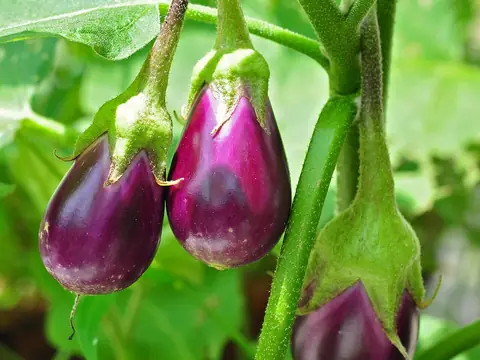 Aubergine
Photo: Joydeep · CC BY-SA 3.0 · Wikimedia Commons
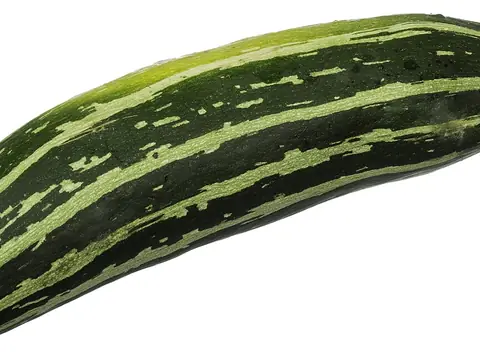 Courgette
Photo: Evan-Amos · Public domain · Wikimedia Commons
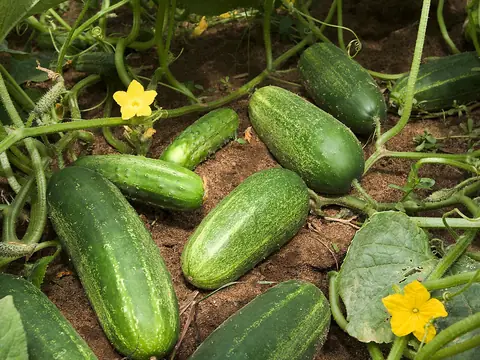 Cucumber
Photo: Stephen Ausmus, USDA ARS · Public domain · Wikimedia Commons
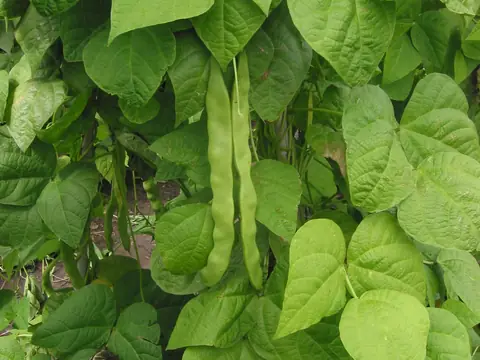 Green bean
Photo: Rasbak · GFDL · Wikimedia Commons
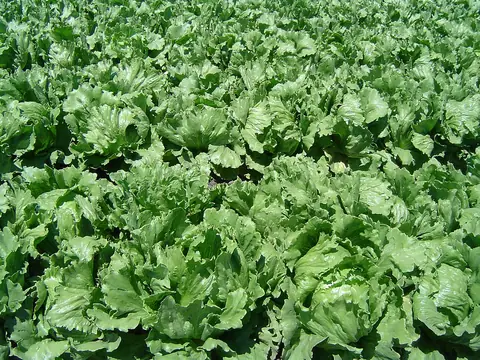 Lettuce
Photo: en:User:Geographer · CC BY 1.0 · Wikimedia Commons
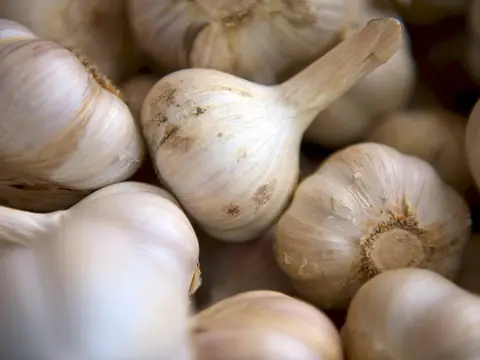 Garlic
Photo: Matthew Pilachowski matthewpilachowski · CC0 · Wikimedia Commons
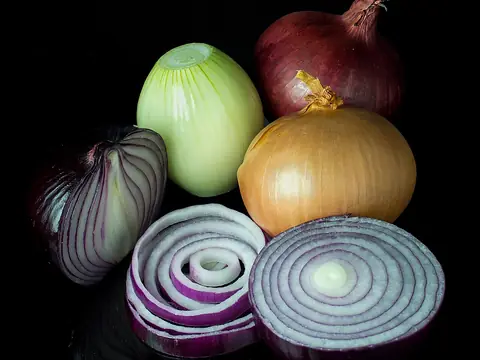 Onion
Photo: Colin · CC BY-SA 3.0 · Wikimedia Commons
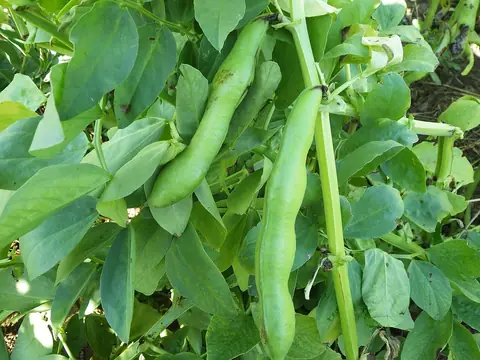 Broad bean
Photo: Schlaghecken Josef · CC BY-SA 4.0 · Wikimedia Commons
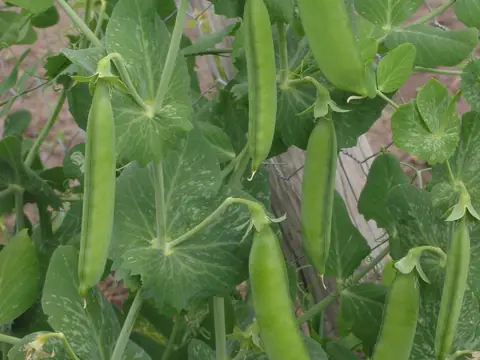 Pea
Photo: Rasbak · CC BY-SA 3.0 · Wikimedia Commons
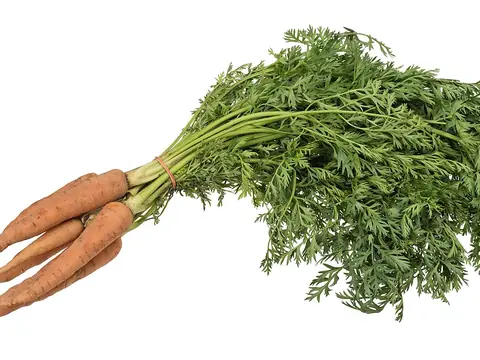 Carrot
Photo: Evan-Amos · Public domain · Wikimedia Commons
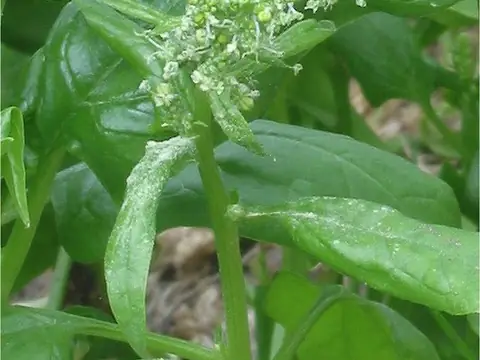 Spinach
Photo: Rasbak · CC BY-SA 3.0 · Wikimedia Commons
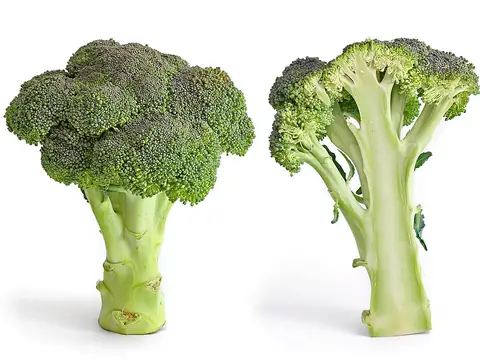 Broccoli
Photo: Fir0002 · GFDL 1.2 · Wikimedia Commons
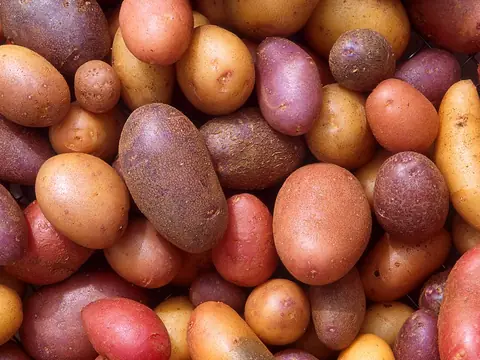 Potato
Photo: Scott Bauer, USDA ARS · Public domain · Wikimedia Commons
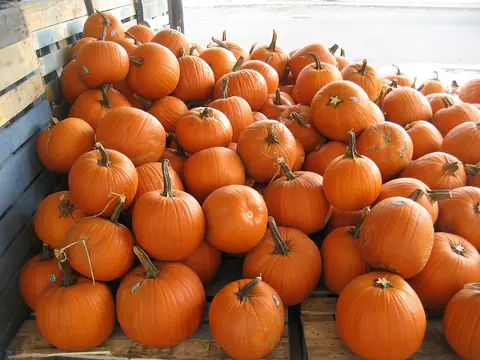 Pumpkin
Photo: Infrogmation of New Orleans · CC BY-SA 3.0 · Wikimedia Commons
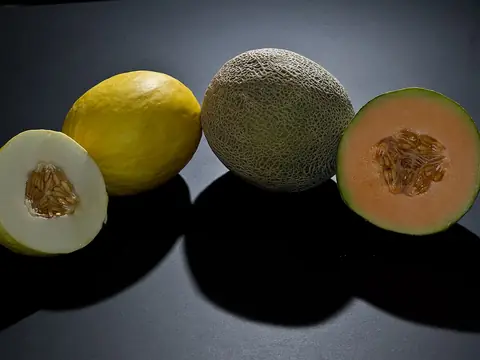 Melon
Photo: Atomicbre at English Wikipedia · CC BY 3.0 · Wikimedia Commons
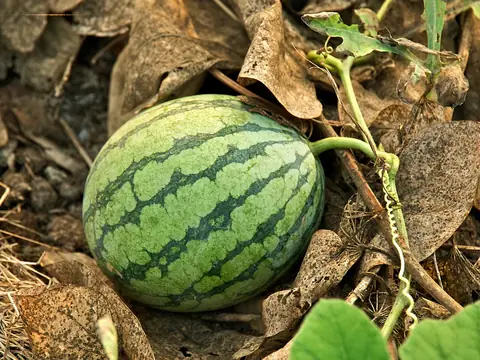 Watermelon
Photo: Fred Hsu (Wikipedia:User:Fred Hsu on en.wikipedia) · CC BY-SA 3.0 · Wikimedia Commons
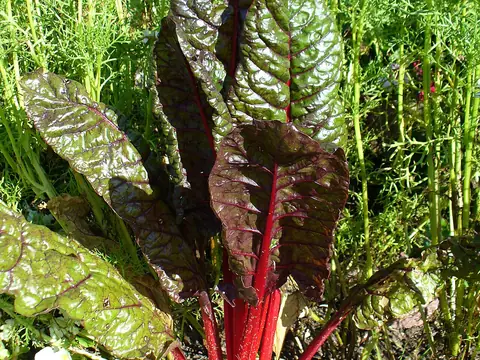 Swiss chard
Photo: Neelix at English Wikipedia · Public domain · Wikimedia Commons
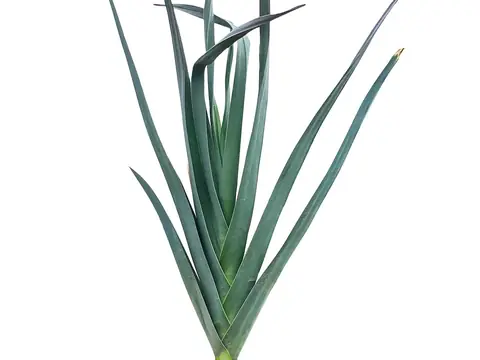 Leek
Photo: Amada44 · CC BY-SA 4.0 · Wikimedia Commons
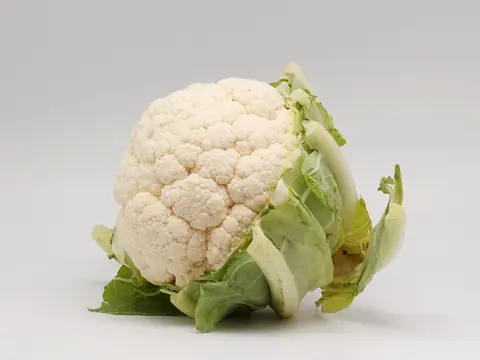 Cauliflower
Photo: Coyau · CC BY-SA 3.0 · Wikimedia Commons
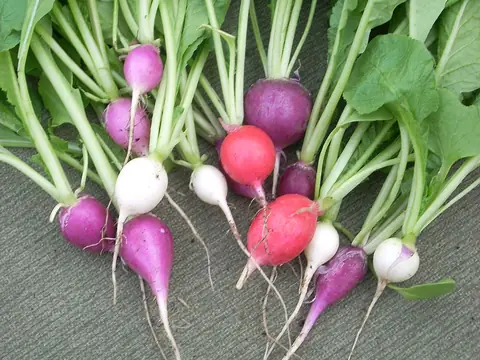 Radish
Photo: Self, en:User:Jengod · Public domain · Wikimedia Commons
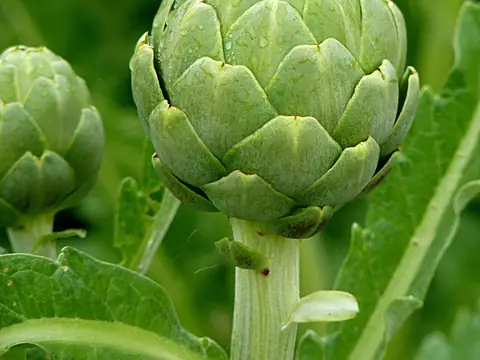 Globe artichoke
Photo: Jamain · CC BY-SA 3.0 · Wikimedia Commons
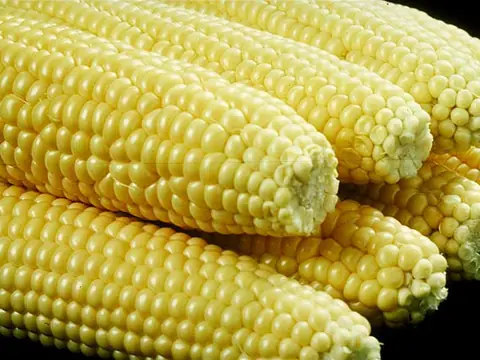 Sweetcorn
Photo: The original Uploader was wstoakLL at English Wikipedia · Public domain · Wikimedia Commons
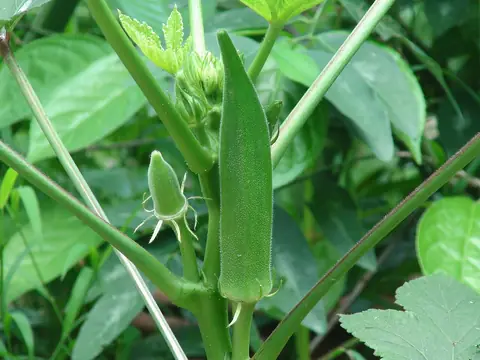 Okra
Photo: Earth100 · CC BY-SA 3.0 · Wikimedia Commons
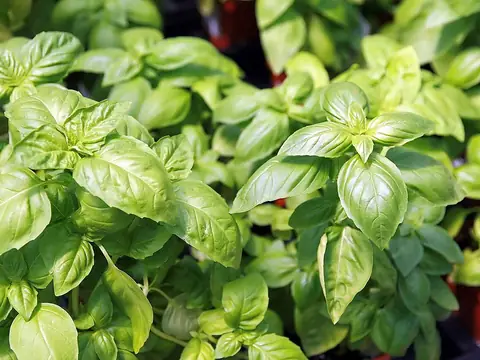 Basil
Photo: Photo by David J. Stang · CC BY-SA 4.0 · Wikimedia Commons
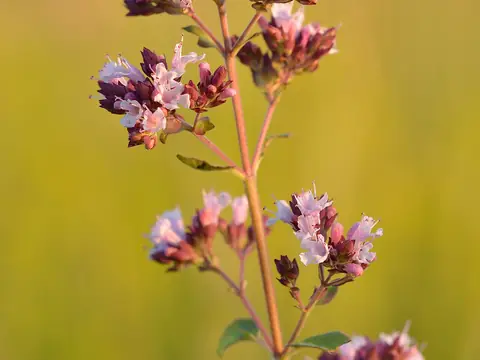 Oregano
Photo: Ivar Leidus · CC BY-SA 3.0 · Wikimedia Commons
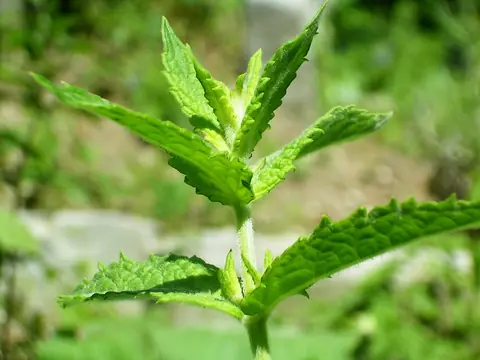 Spearmint
Photo: Simon Eugster --Simon 13:07, 2 July 2006 (UTC) · CC BY-SA 3.0 · Wikimedia Commons
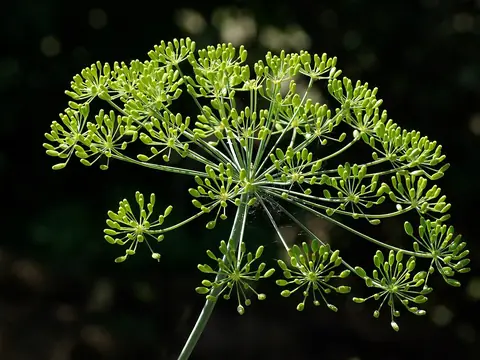 Dill
Photo: JLPC · CC BY-SA 3.0 · Wikimedia Commons
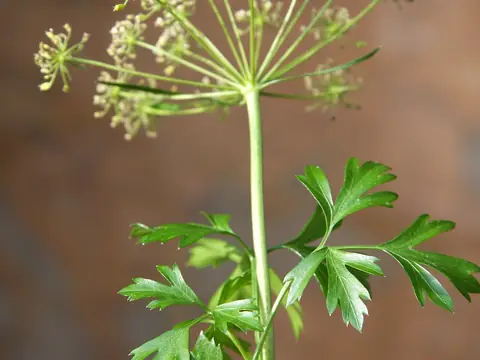 Parsley
Photo: Jonathunder · GFDL 1.2 · Wikimedia Commons
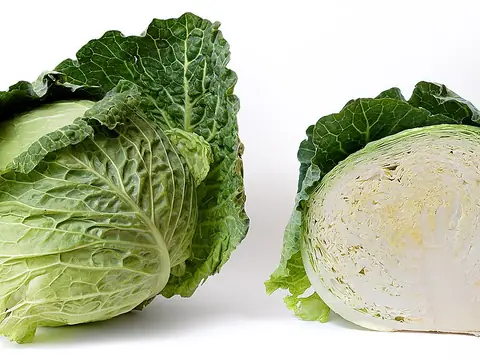 Cabbage
Photo: fir0002 flagstaffotos [at] gmail.com Canon 20D + Sigma 150mm f/2.8 · GFDL 1.2 · Wikimedia Commons
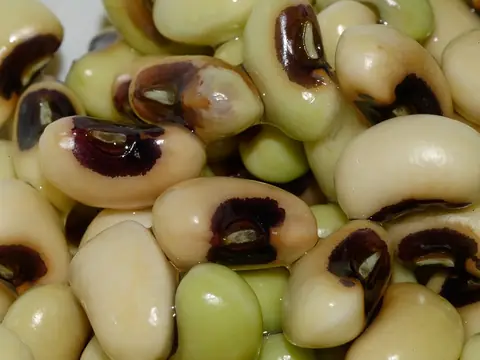 Black-eyed pea
Photo: Jud McCranie · CC BY-SA 4.0 · Wikimedia Commons
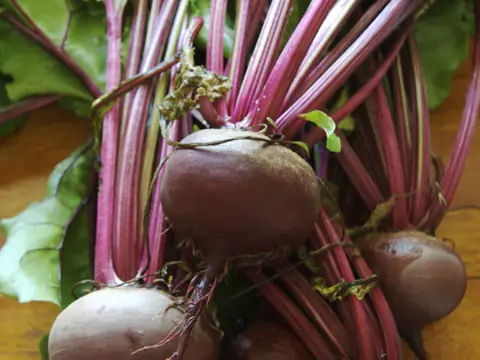 Beetroot
Photo: BriannaWalther · CC BY-SA 3.0 · Wikimedia Commons
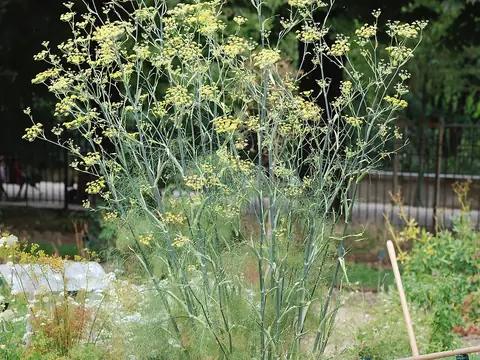 Florence fennel
Photo: Alvesgaspar · CC BY-SA 3.0 · Wikimedia Commons
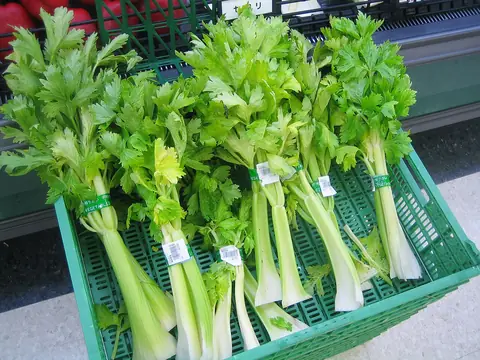 Celery
Photo: Lombroso · Public domain · Wikimedia Commons
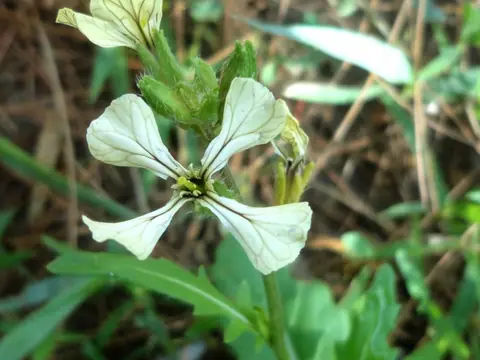 Rocket (arugula)
Photo: Juan Carlos Fonseca Mata · CC BY-SA 4.0 · Wikimedia Commons
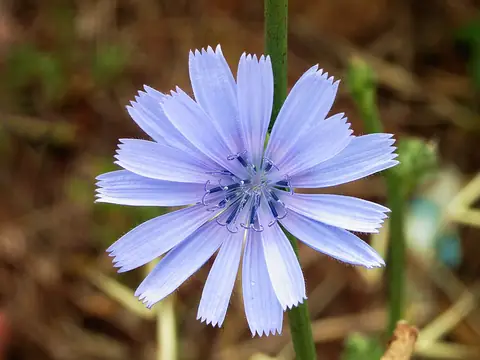 Chicory greens
Photo: Alvesgaspar · CC BY 2.5 · Wikimedia Commons
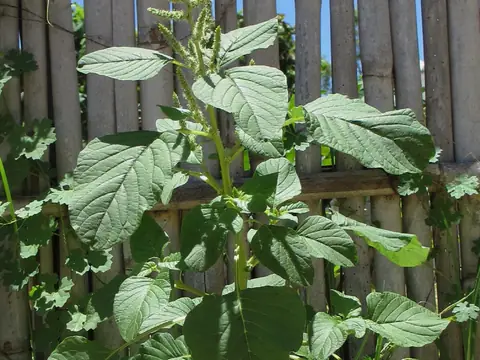 Amaranth greens
Photo: Ton Rulkens from Mozambique · CC BY-SA 2.0 · Wikimedia Commons
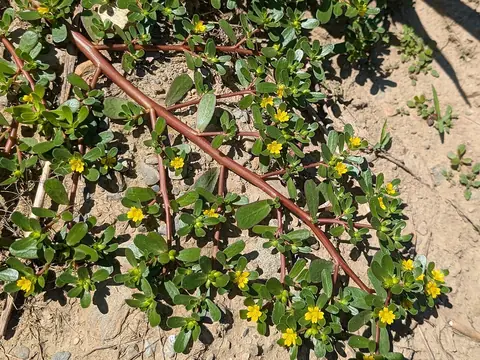 Purslane
Photo: (c) Tyler Ekholm, some rights reserved (CC BY) · CC BY 4.0 · Wikimedia Commons
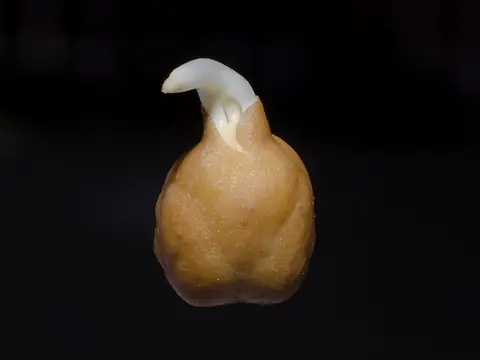 Chickpea
Photo: Prathyush Thomas · GFDL 1.2 · Wikimedia Commons
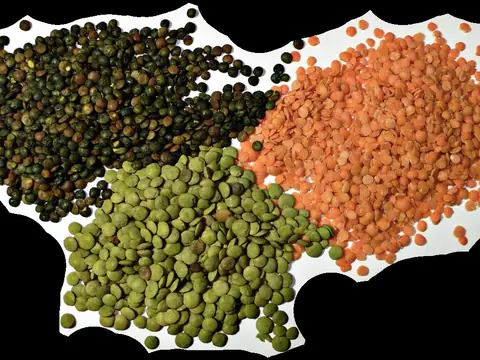 Lentil
Photo: User:Justinc · CC BY-SA 2.5 · Wikimedia Commons
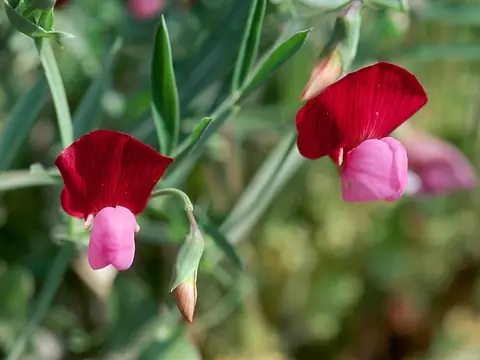 Santorini fava
Photo: Leif Stridvall · CC BY-SA 2.5 · Wikimedia Commons
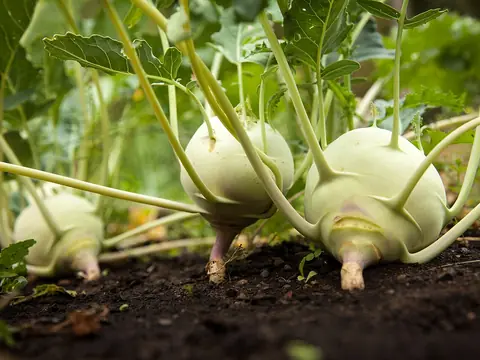 Kohlrabi
Photo: Unknown · CC0 · Wikimedia Commons
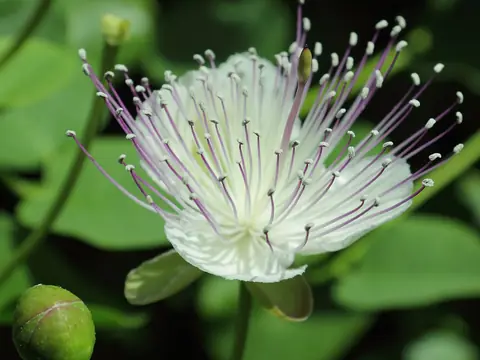 Caper
Photo: C T Johansson · CC BY-SA 3.0 · Wikimedia Commons
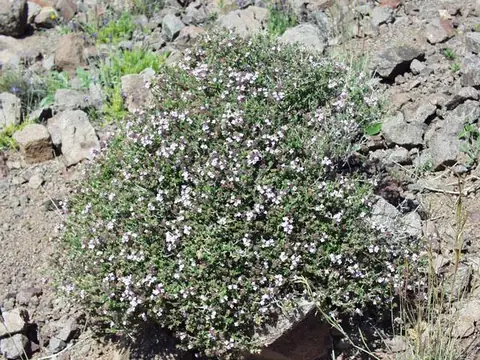 Thyme
Photo: Henry Brisse (upload by user:Abalg) · CC BY-SA 3.0 · Wikimedia Commons
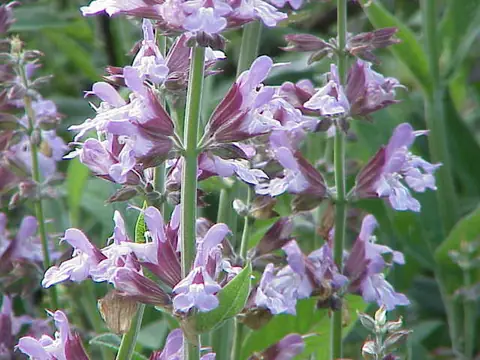 Sage
Photo: Kurt Stüber · CC BY-SA 3.0 · Wikimedia Commons
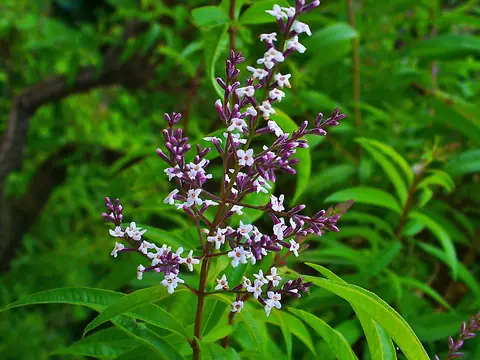 Lemon verbena
Photo: H. Zell · CC BY-SA 3.0 · Wikimedia Commons
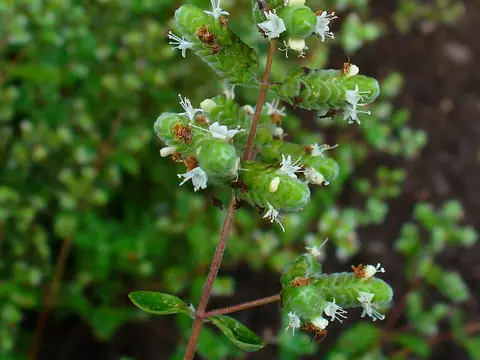 Sweet marjoram
Photo: H. Zell · CC BY-SA 3.0 · Wikimedia Commons
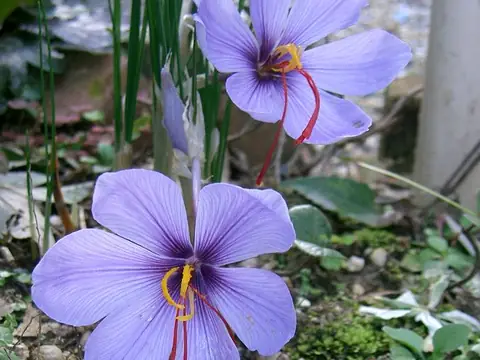 Saffron crocus
Photo: KENPEI · CC BY-SA 3.0 · Wikimedia Commons
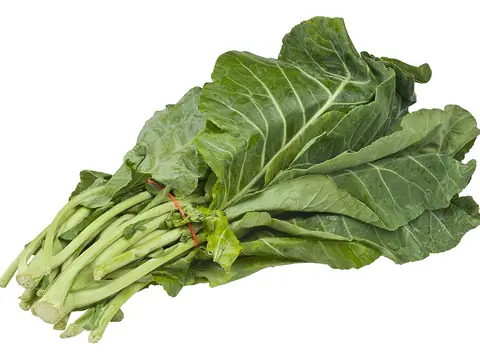 Portuguese kale (couve-galega)
Photo: Evan-Amos · Public domain · Wikimedia Commons
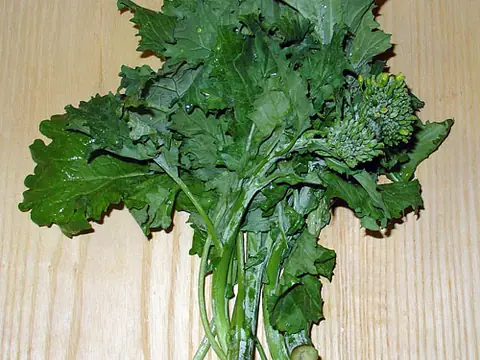 Turnip greens (grelos)
Photo: Roedelius · CC BY-SA 3.0 · Wikimedia Commons
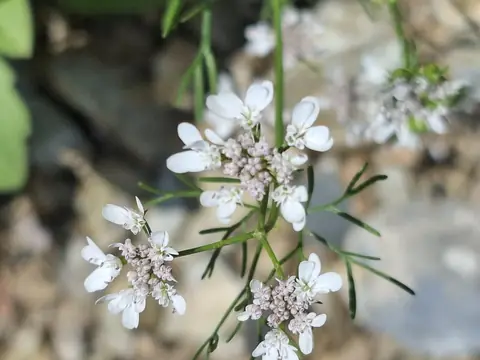 Coriander (cilantro)
Photo: Sapna Sony · CC BY-SA 4.0 · Wikimedia Commons
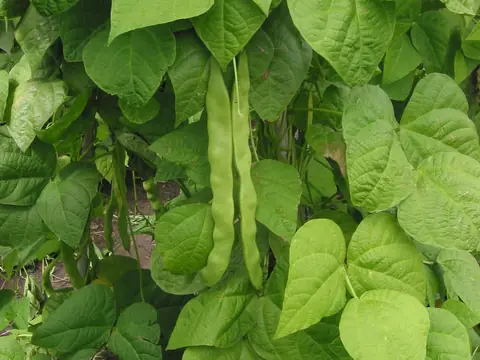 Dry beans
Photo: Rasbak · CC BY-SA 3.0 · Wikimedia Commons
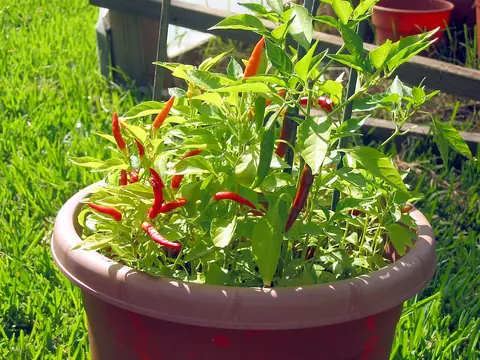 Piri-piri chilli
Photo: Bovineone at English Wikipedia · Public domain · Wikimedia Commons
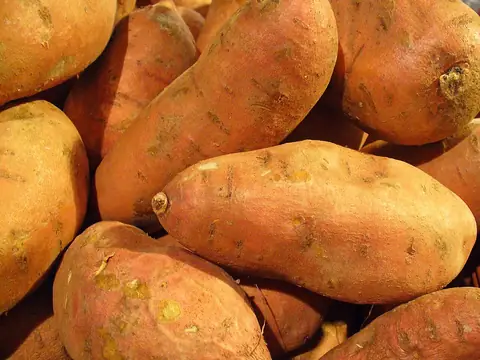 Sweet potato
Photo: Llez · CC BY-SA 3.0 · Wikimedia Commons
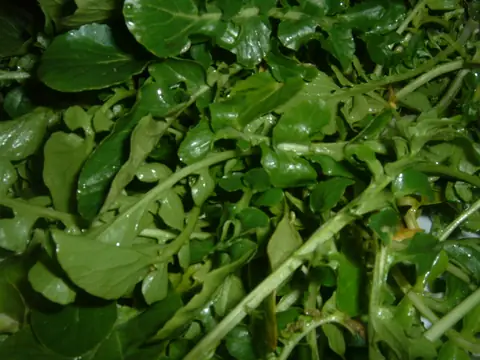 Watercress
Photo: Masparasol · CC BY 3.0 · Wikimedia Commons
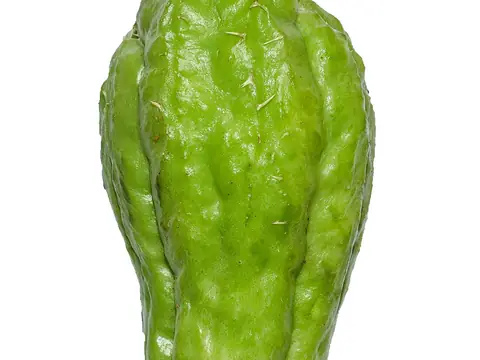 Chayote
Photo: Prathyush Thomas · GFDL 1.2 · Wikimedia Commons
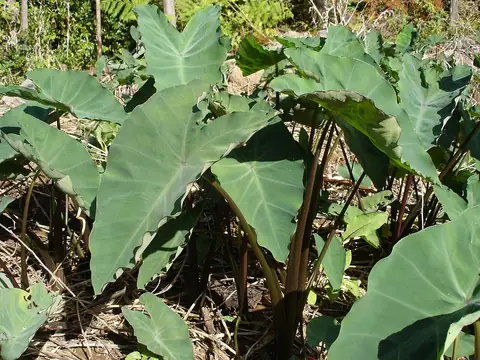 Taro
Photo: No machine-readable author provided. Thierry Caro assumed (based on copyright claims). · CC BY-SA 2.5 · Wikimedia Commons
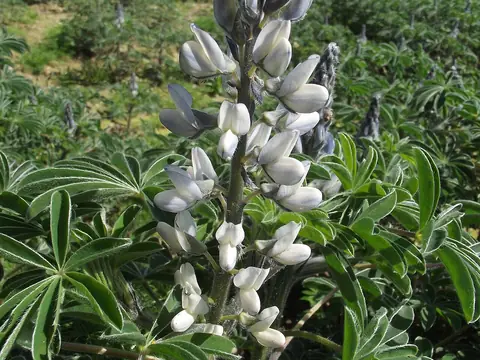 White lupin
Photo: Jean-Claude Echardour [CC BY-SA], via Tela Botanica · CC BY 2.0 · Wikimedia Commons
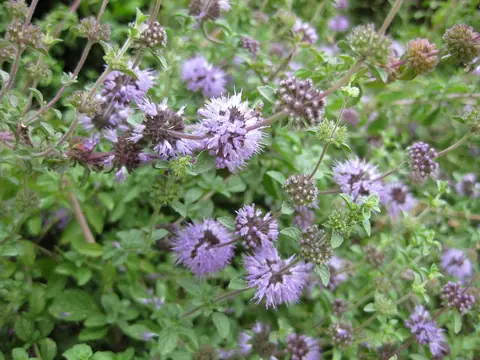 Pennyroyal
Photo: Raffi Kojian · CC BY-SA 3.0 · Wikimedia Commons
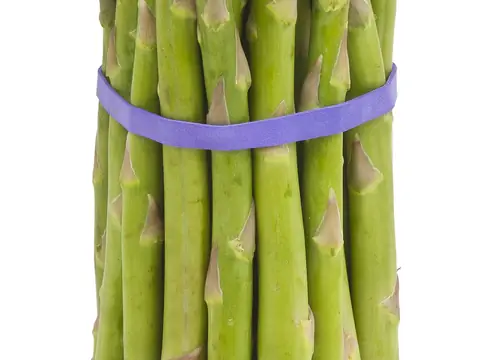 Asparagus
Photo: Evan-Amos · CC BY-SA 3.0 · Wikimedia Commons
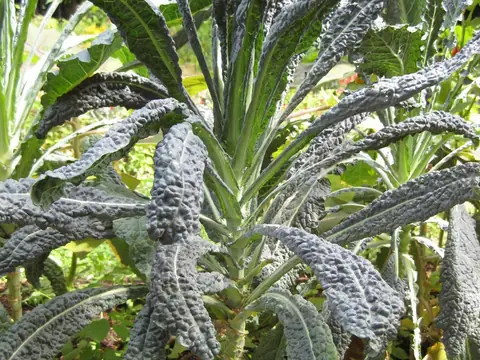 Cavolo nero (Tuscan kale)
Photo: Raffi Kojian · CC BY-SA 3.0 · Wikimedia Commons
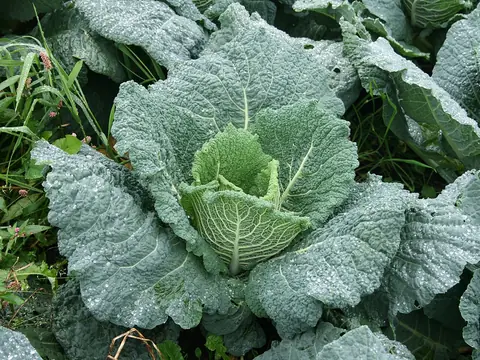 Savoy cabbage
Photo: Evelyn Gunn · CC BY-SA 3.0 · Wikimedia Commons
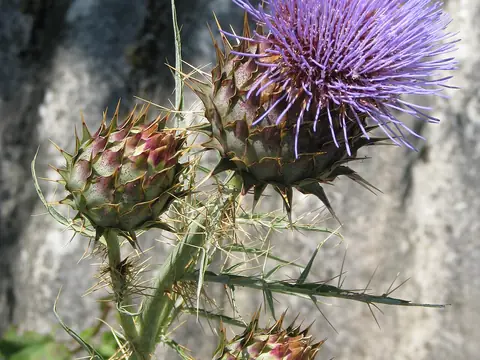 Cardoon
Photo: peganum from Henfield, England · CC BY-SA 2.0 · Wikimedia Commons
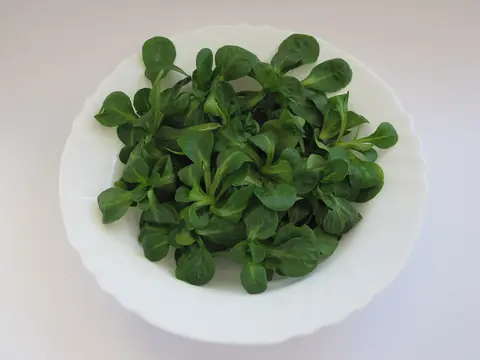 Lamb's lettuce (corn salad)
Photo: Schwäbin · CC BY-SA 3.0 de · Wikimedia Commons
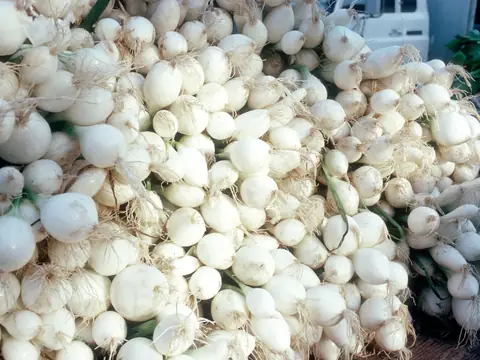 Shallot
Photo: Robert Kerton, CSIRO · CC BY 3.0 · Wikimedia Commons
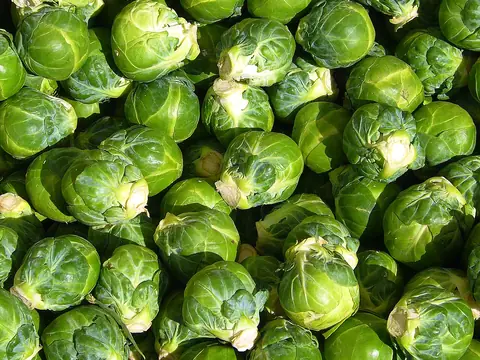 Brussels sprouts
Photo: Eric Hunt · CC BY 2.5 · Wikimedia Commons
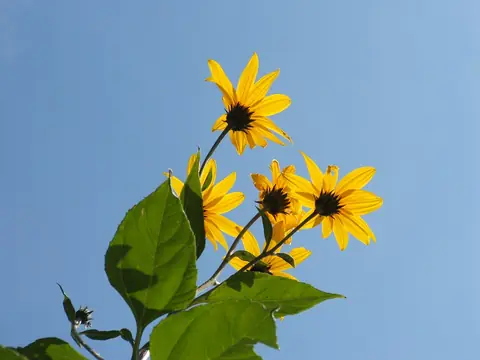 Jerusalem artichoke
Photo: Luigi Chiesa · CC BY-SA 3.0 · Wikimedia Commons
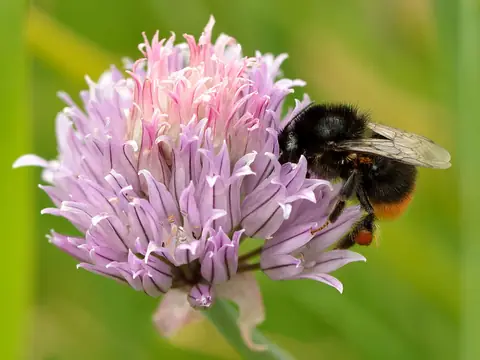 Chives
Photo: Ivar Leidus · CC BY-SA 4.0 · Wikimedia Commons
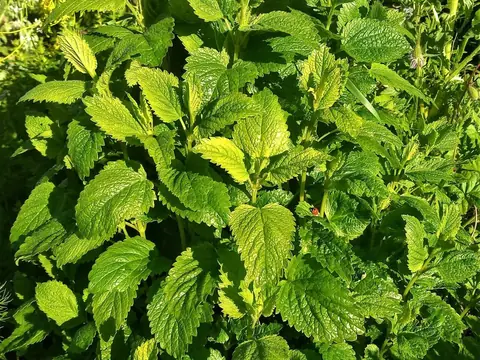 Lemon balm
Photo: Amitchell125 · CC BY-SA 4.0 · Wikimedia Commons
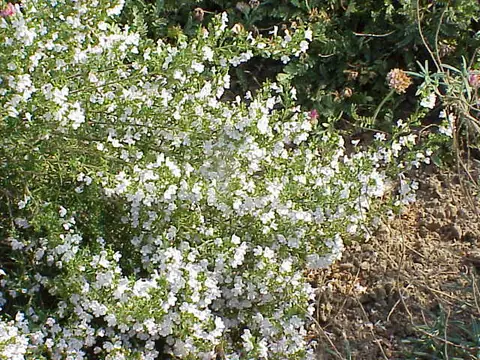 Savory
Photo: Kurt Stüber · CC BY-SA 3.0 · Wikimedia Commons
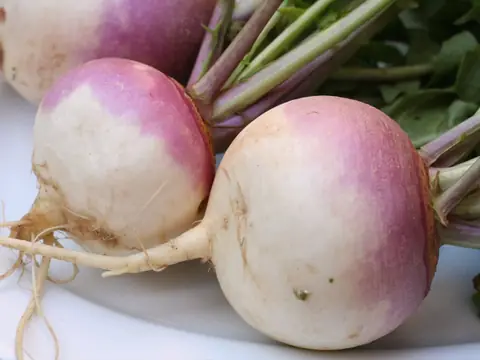 Turnip
Photo: thebittenword.com · CC BY 2.0 · Wikimedia Commons
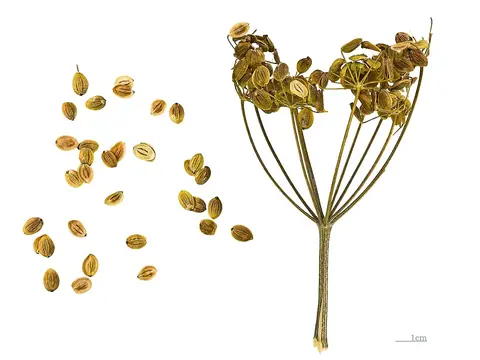 Parsnip
Photo: Didier Descouens · CC BY-SA 4.0 · Wikimedia Commons
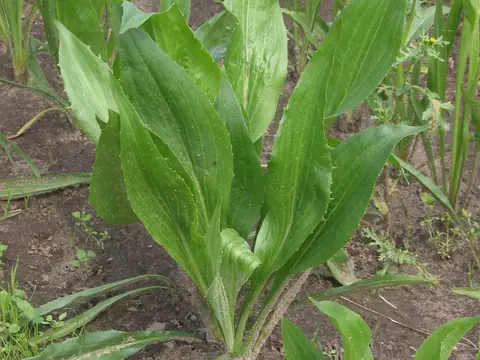 Black salsify (scorzonera)
Photo: Rasbak · CC BY-SA 3.0 · Wikimedia Commons
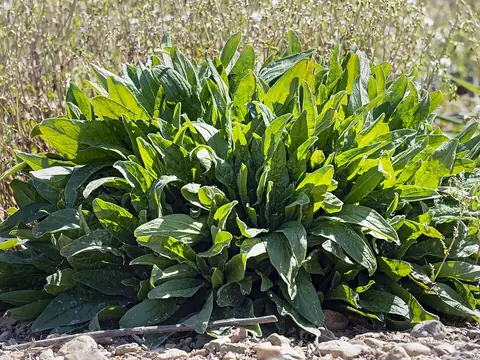 Sorrel
Photo: Didier Descouens · CC BY-SA 4.0 · Wikimedia Commons
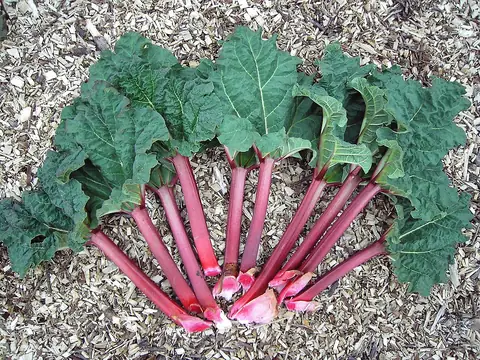 Rhubarb
Photo: Dieter Weber (User:Uellue) · CC BY-SA 3.0 · Wikimedia Commons
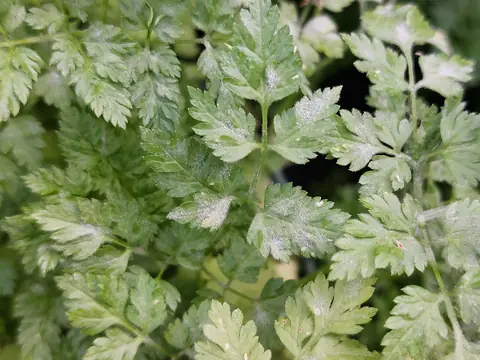 Chervil
Photo: Schlaghecken Josef · CC BY 4.0 · Wikimedia Commons
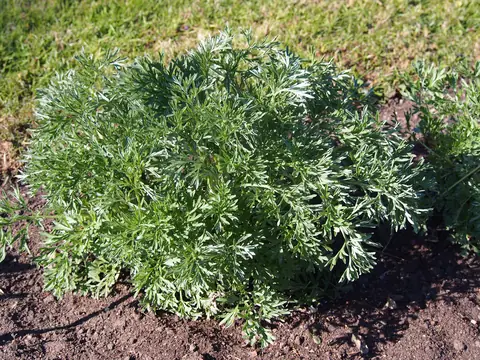 Tarragon
Photo: Agnieszka Kwiecień, Nova · CC BY-SA 4.0 · Wikimedia Commons
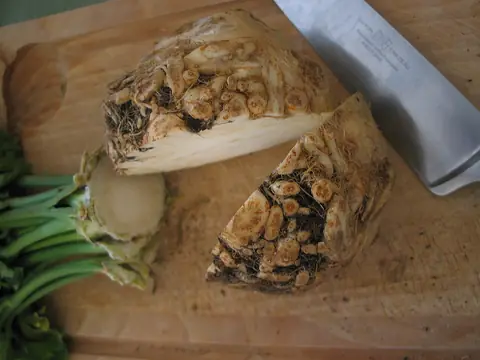 Celeriac
Photo: DocteurCosmos · CC BY-SA 3.0 · Wikimedia Commons
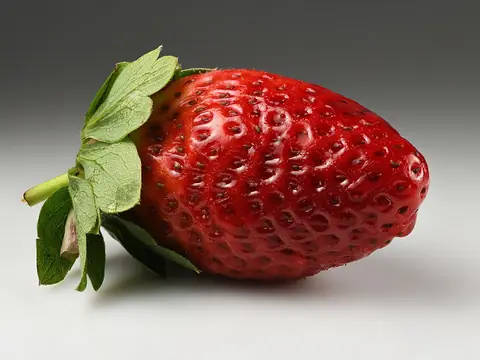 Strawberry
Photo: Ivar Leidus · CC BY-SA 4.0 · Wikimedia Commons
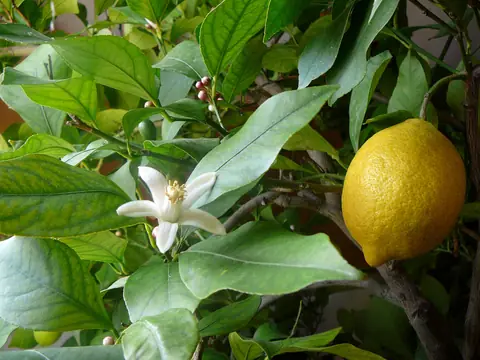 Lemon tree
Photo: Elena Chochkova · CC BY-SA 4.0 · Wikimedia Commons
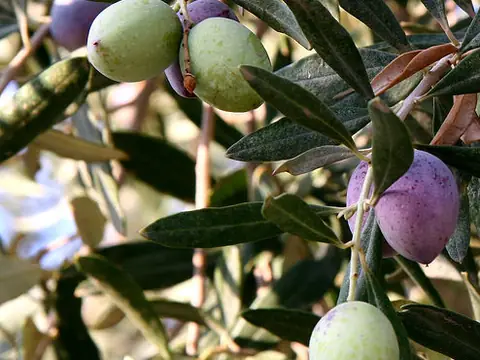 Olive tree
Photo: en:User:Nickfraser · CC BY-SA 3.0 · Wikimedia Commons
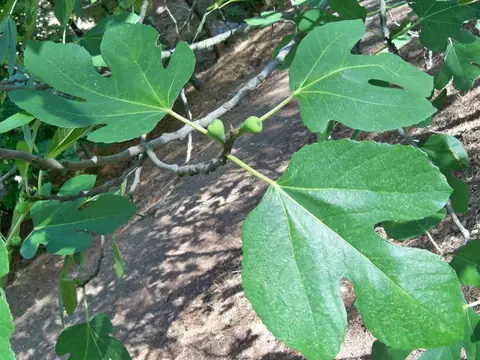 Fig tree
Photo: Daniel Capilla · CC BY-SA 4.0 · Wikimedia Commons
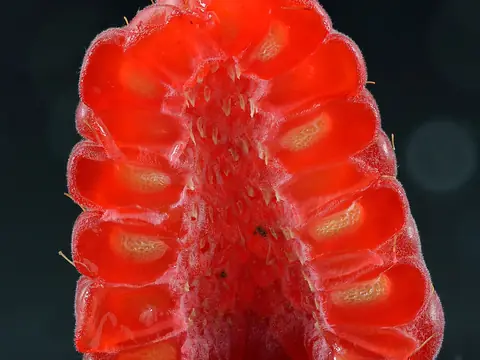 Raspberry
Photo: Ivar Leidus · CC BY-SA 4.0 · Wikimedia Commons
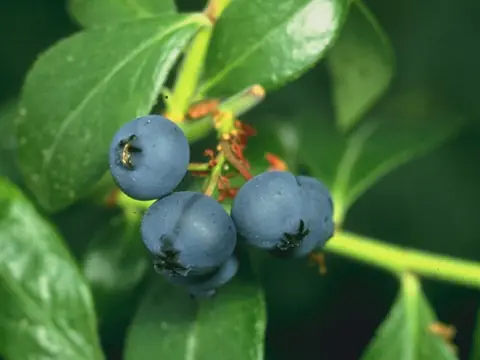 Blueberry
Photo: The original Uploader was Oven Fresh at English Wikipedia · Public domain · Wikimedia Commons
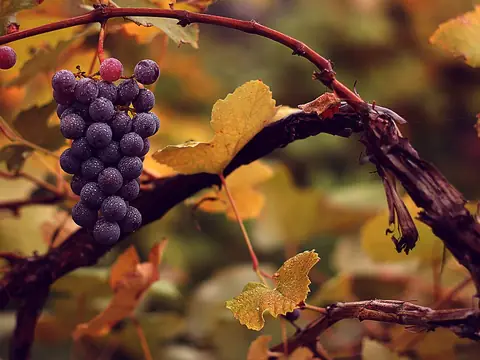 Grapevine
Photo: eflon (Alex from Ithaca, NY) · CC BY 2.0 · Wikimedia Commons
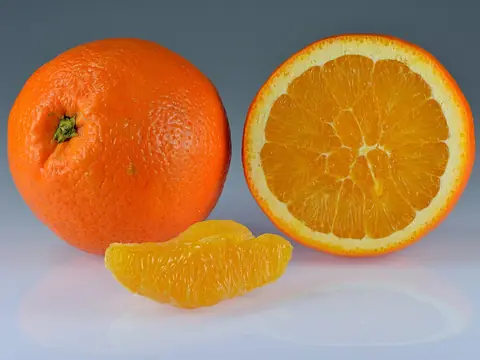 Orange tree
Photo: Ivar Leidus · CC BY-SA 4.0 · Wikimedia Commons
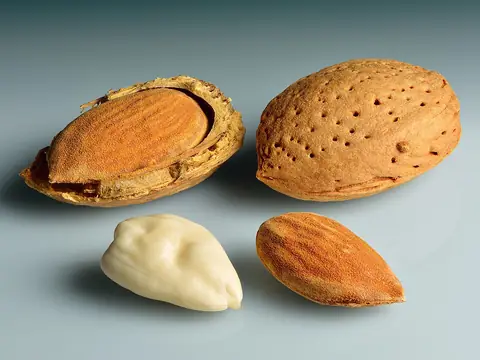 Almond tree
Photo: Ivar Leidus · CC BY-SA 4.0 · Wikimedia Commons
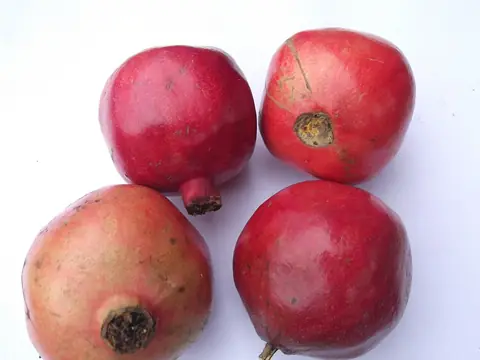 Pomegranate
Photo: Yercaud-elango · CC BY-SA 4.0 · Wikimedia Commons
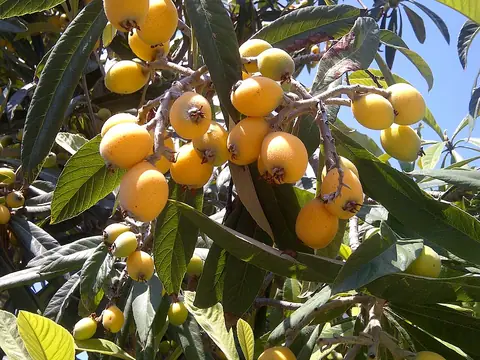 Loquat
Photo: Aftabbanoori · CC BY-SA 3.0 · Wikimedia Commons
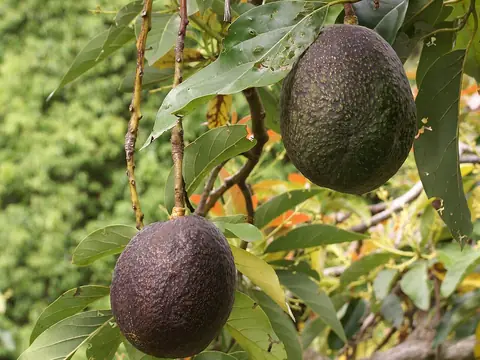 Avocado
Photo: B.navez · CC BY-SA 3.0 · Wikimedia Commons
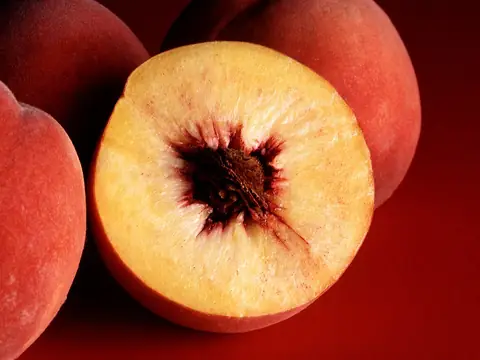 Peach tree
Photo: Jack Dykinga, USDA · Public domain · Wikimedia Commons
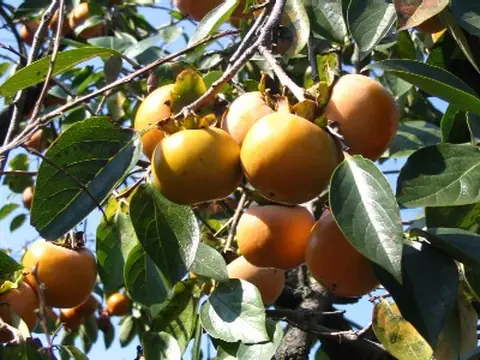 Persimmon
Photo: Sphl · CC BY-SA 3.0 · Wikimedia Commons
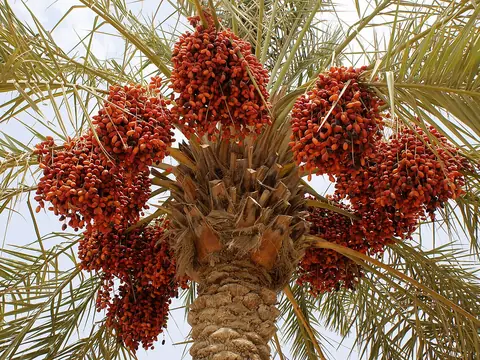 Date palm
Photo: Nepenthes · CC BY-SA 3.0 · Wikimedia Commons
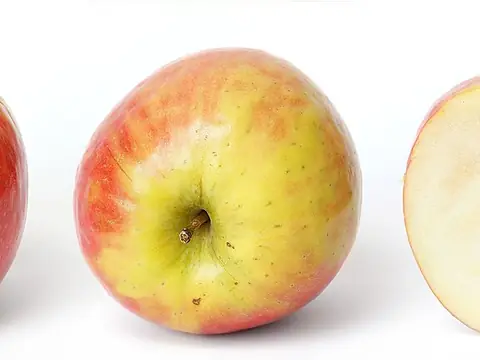 Apple tree
Photo: fir0002 (flagstaffotos) · GFDL 1.2 · Wikimedia Commons
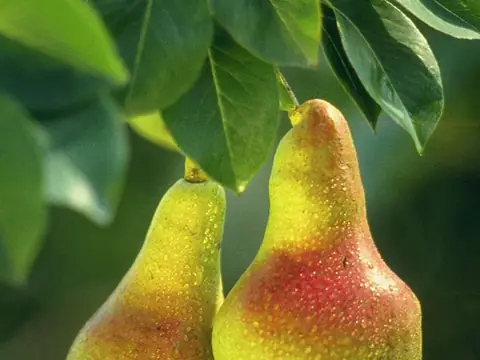 Pear tree
Photo: Keith Weller · Public domain · Wikimedia Commons
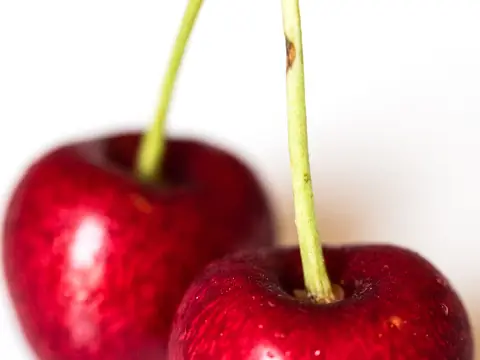 Cherry tree
Photo: spurekar · CC BY 2.0 · Wikimedia Commons
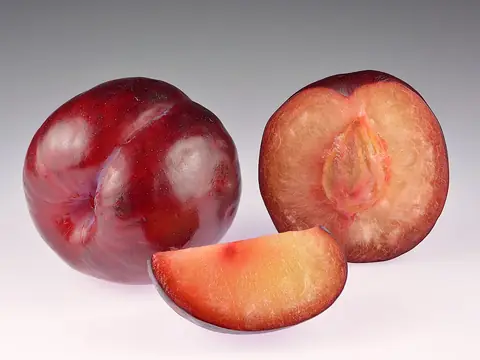 Plum tree
Photo: Ivar Leidus · CC BY-SA 4.0 · Wikimedia Commons
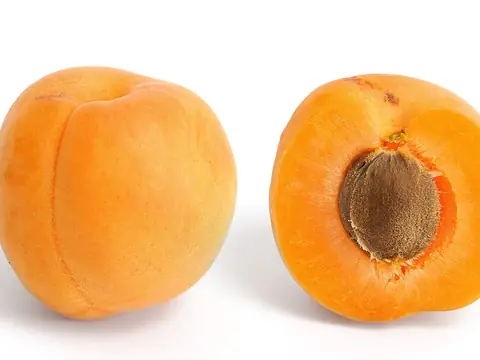 Apricot tree
Photo: Fir0002 · GFDL 1.2 · Wikimedia Commons
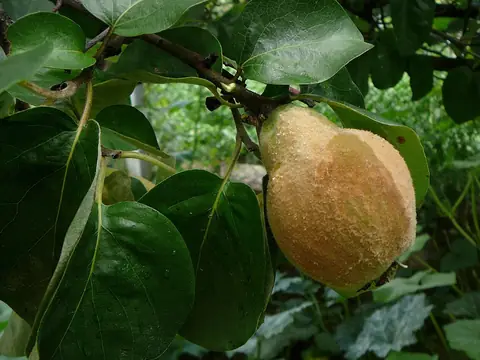 Quince tree
Photo: Elena Chochkova · CC BY-SA 3.0 · Wikimedia Commons
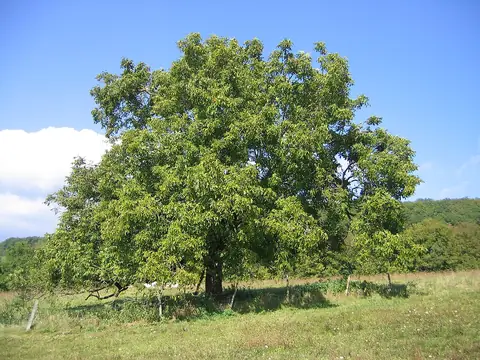 Walnut tree
Photo: Thesupermat · CC BY-SA 3.0 · Wikimedia Commons
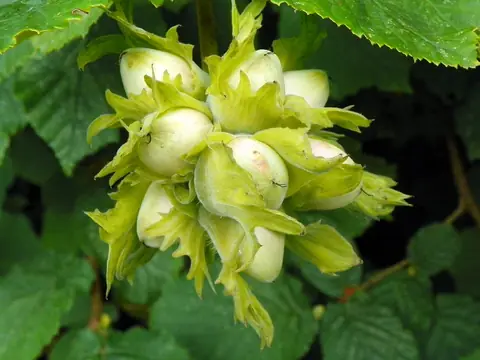 Hazel
Photo: AnemoneProjectors · CC BY-SA 2.0 · Wikimedia Commons
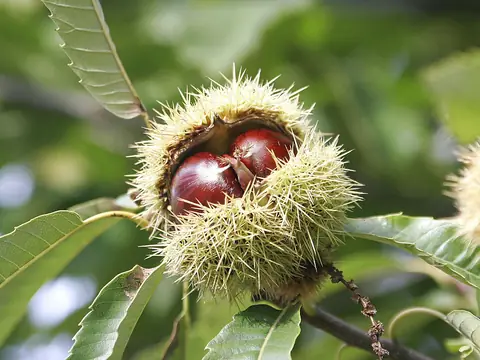 Sweet chestnut
Photo: Fir0002 · GFDL 1.2 · Wikimedia Commons
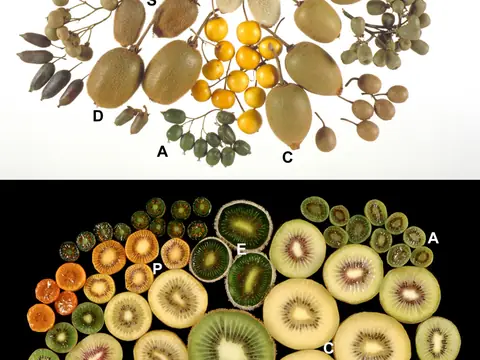 Kiwi vine
Photo: Crowhurst et al. · CC BY-SA 3.0 · Wikimedia Commons
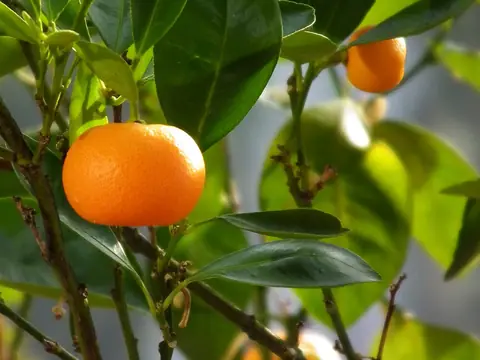 Mandarin tree
Photo: 4028mdk09 · CC BY-SA 3.0 · Wikimedia Commons
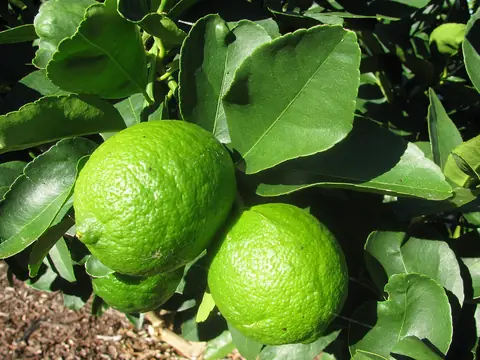 Lime tree
Photo: Forest and Kim Starr · CC BY 3.0 us · Wikimedia Commons
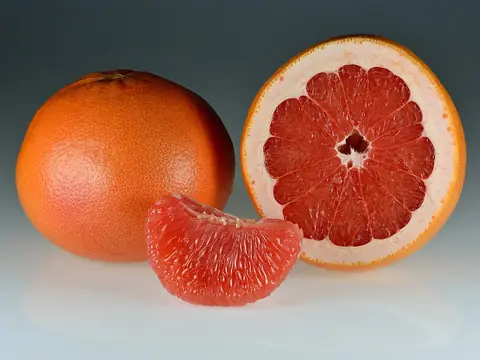 Grapefruit tree
Photo: Ivar Leidus · CC BY-SA 4.0 · Wikimedia Commons
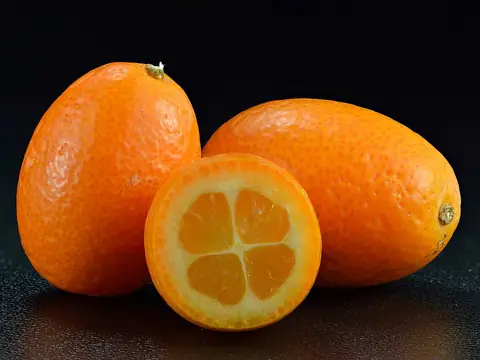 Kumquat
Photo: Ivar Leidus · CC BY-SA 4.0 · Wikimedia Commons
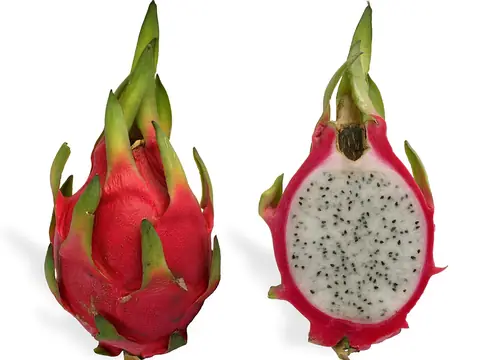 Dragon fruit
Photo: SMasters · CC BY-SA 3.0 · Wikimedia Commons
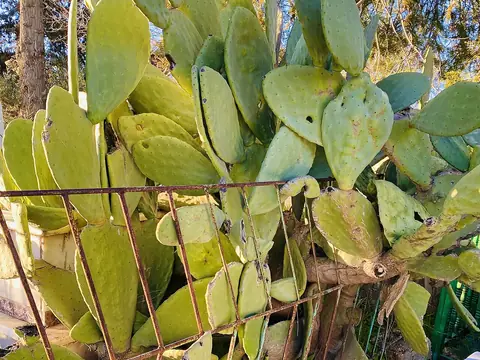 Prickly pear
Photo: YG01 · CC BY 4.0 · Wikimedia Commons
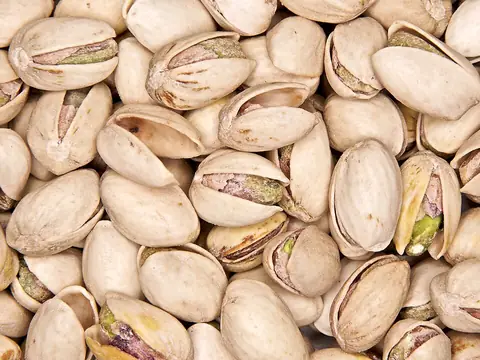 Pistachio
Photo: THOR · CC BY 2.0 · Wikimedia Commons
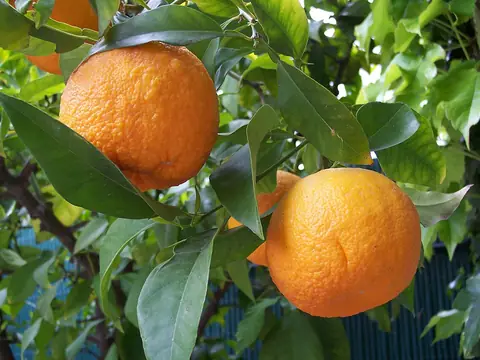 Bitter orange
Photo: A. Barra · CC BY-SA 4.0 · Wikimedia Commons
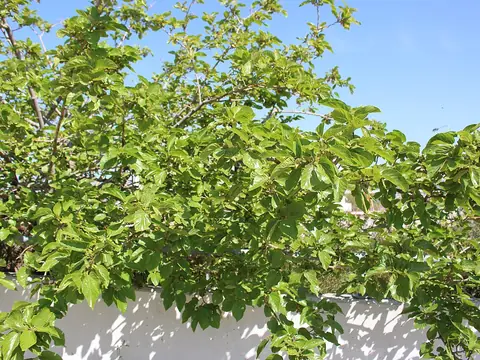 Mulberry
Photo: Emőke Dénes · CC BY-SA 4.0 · Wikimedia Commons
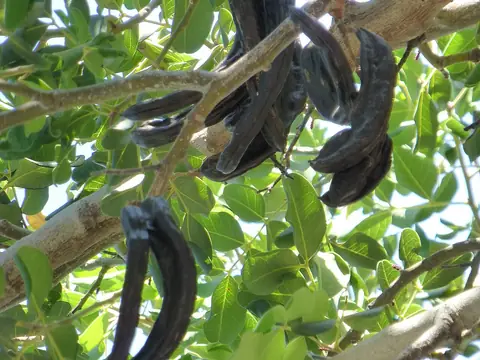 Carob tree
Photo: Nevit Dilmen (talk) · CC BY-SA 3.0 · Wikimedia Commons
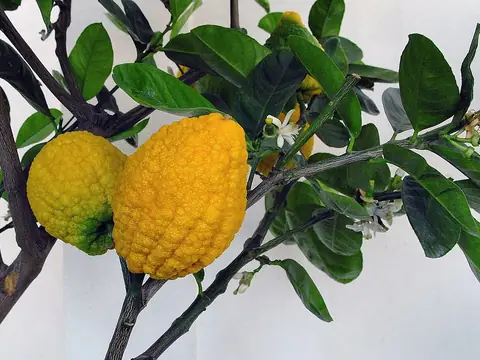 Citron
Photo: Johann Werfring · CC BY-SA 3.0 · Wikimedia Commons
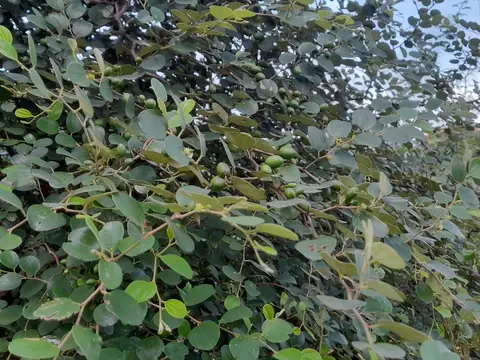 Jujube
Photo: Yercaud-elango · CC BY-SA 4.0 · Wikimedia Commons
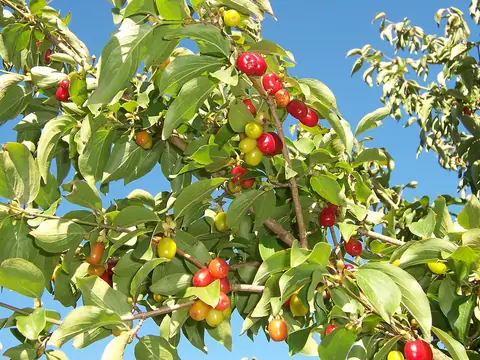 Cornelian cherry
Photo: B.navez · CC BY-SA 3.0 · Wikimedia Commons
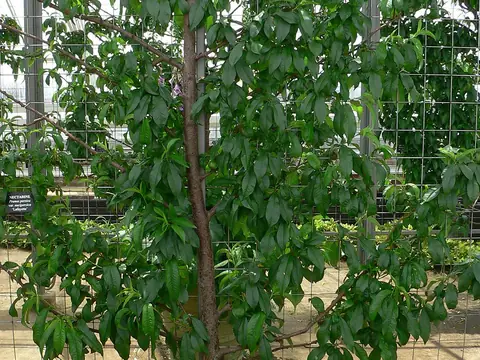 Nectarine
Photo: Mark Pellegrini · CC BY-SA 2.5 · Wikimedia Commons
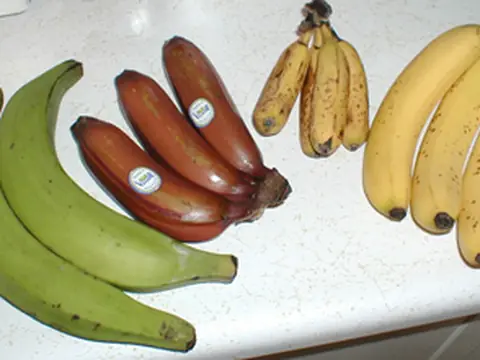 Banana
Photo: TimothyPilgrim · CC BY-SA 3.0 · Wikimedia Commons
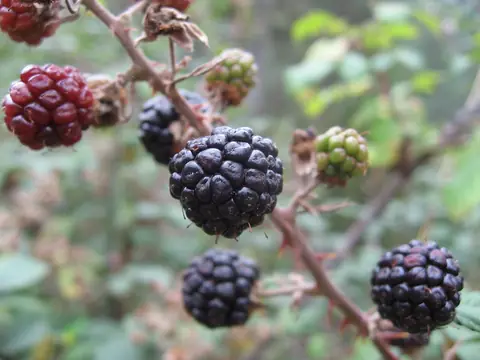 Blackberry
Photo: Simonjoan · CC BY-SA 3.0 · Wikimedia Commons
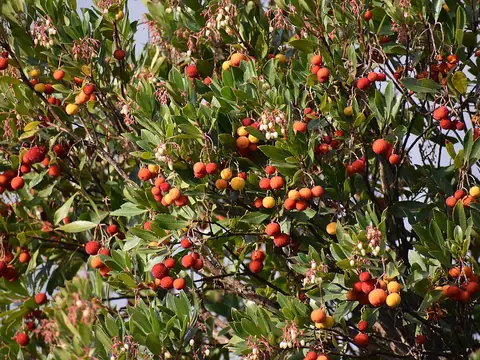 Strawberry tree
Photo: Tylwyth Eldar · CC BY-SA 4.0 · Wikimedia Commons
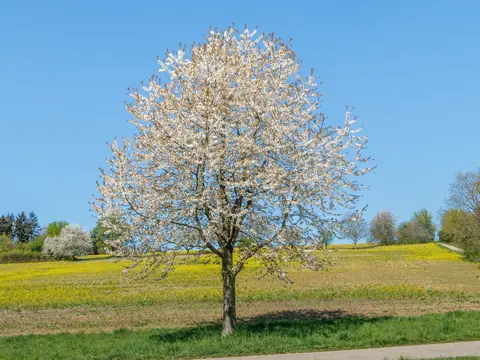 Sour cherry
Photo: H. Zell · CC BY-SA 3.0 · Wikimedia Commons
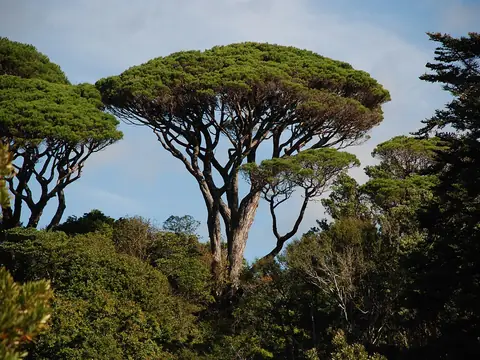 Stone pine
Photo: Karora · Public domain · Wikimedia Commons
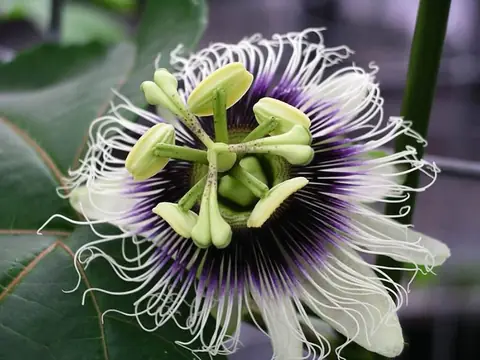 Passion fruit
Photo: Unknown authorUnknown author · Public domain · Wikimedia Commons
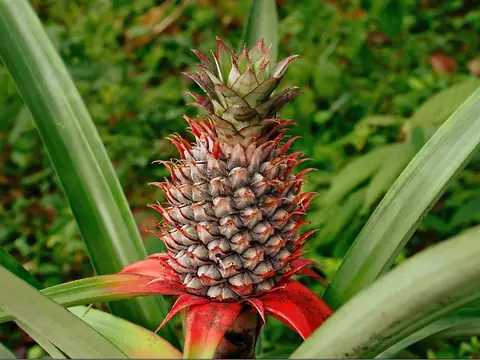 Pineapple
Photo: Suniltg at Malayalam Wikipedia · CC BY 3.0 · Wikimedia Commons
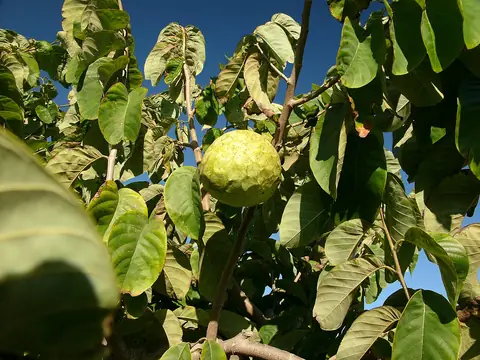 Cherimoya
Photo: Hannes Grobe 21:31, 5 November 2006 (UTC) · CC BY-SA 2.5 · Wikimedia Commons
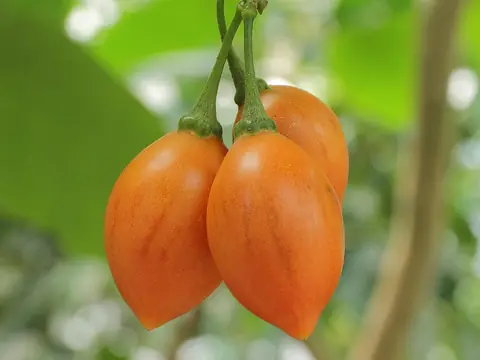 Tree tomato (tamarillo)
Photo: C T Johansson · CC BY-SA 3.0 · Wikimedia Commons
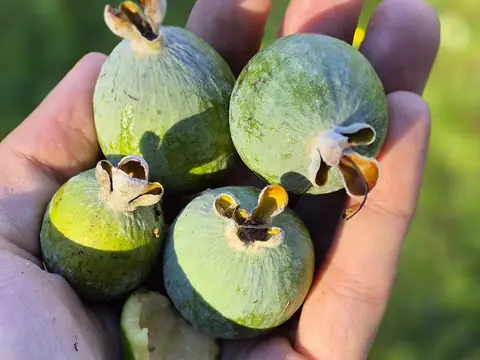 Feijoa (pineapple guava)
Photo: Gabriel Collares · CC BY 4.0 · Wikimedia Commons
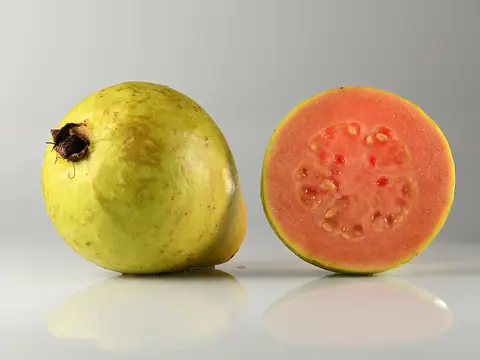 Guava
Photo: Ivar Leidus · CC BY-SA 4.0 · Wikimedia Commons
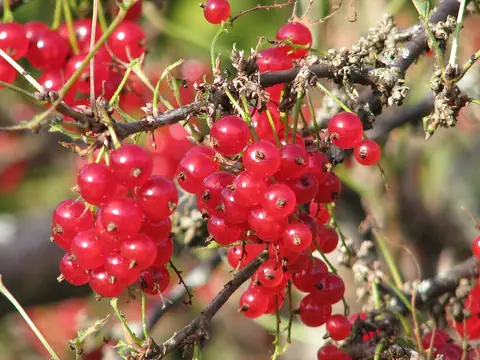 Redcurrant
Photo: Нацку · CC BY-SA 3.0 · Wikimedia Commons
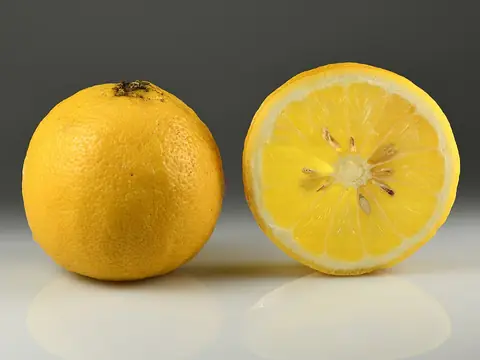 Bergamot orange
Photo: Ivar Leidus · CC BY-SA 4.0 · Wikimedia Commons
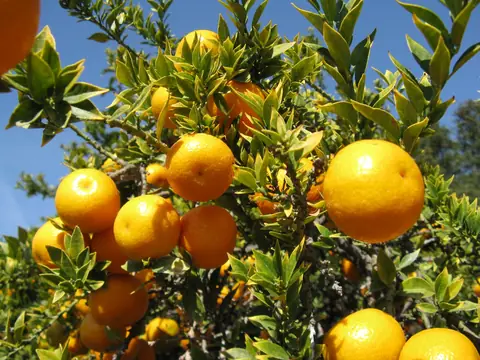 Chinotto (myrtle-leaved orange)
Photo: Nadiatalent · CC BY-SA 3.0 · Wikimedia Commons
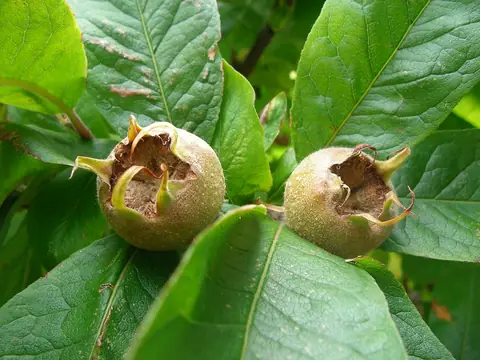 Common medlar
Photo: Rwimmer · CC BY-SA 3.0 · Wikimedia Commons
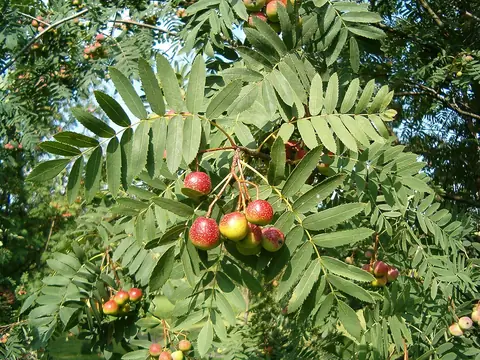 Service tree
Photo: BotBln · CC BY-SA 3.0 · Wikimedia Commons
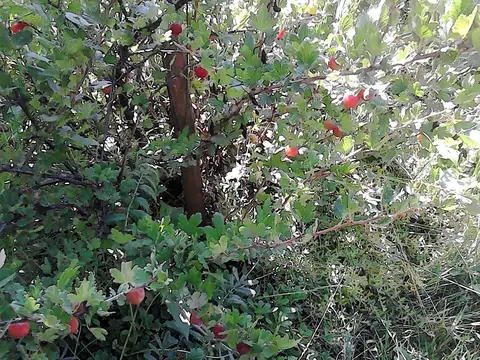 Gooseberry
Photo: DenesFeri · CC BY-SA 4.0 · Wikimedia Commons
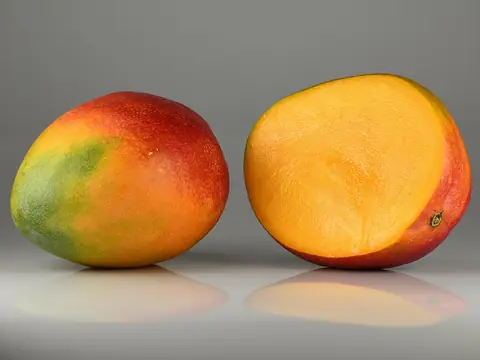 Mango
Photo: Ivar Leidus · CC BY-SA 4.0 · Wikimedia Commons
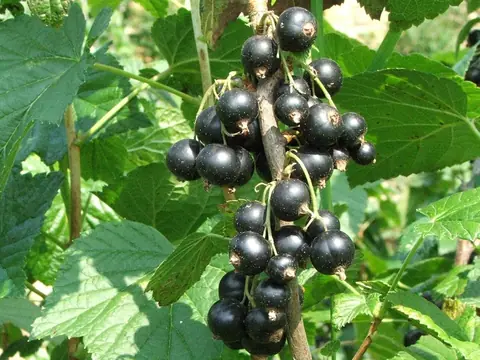 Blackcurrant
Photo: Jerzy Opioła · CC BY-SA 3.0 · Wikimedia Commons
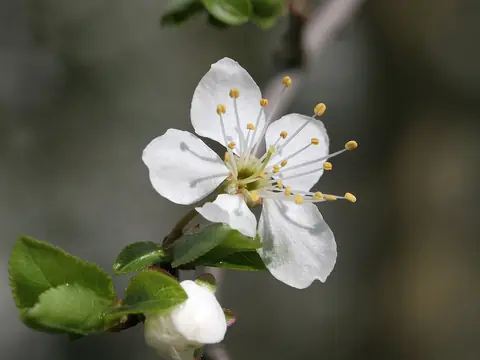 Mirabelle plum
Photo: Kuebi = Armin Kübelbeck · CC BY-SA 3.0 · Wikimedia Commons
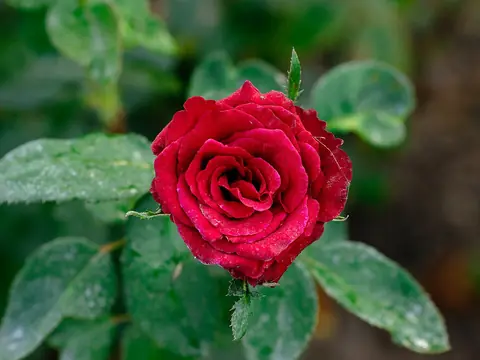 Rose
Photo: Subhrajyoti07 · CC BY-SA 4.0 · Wikimedia Commons
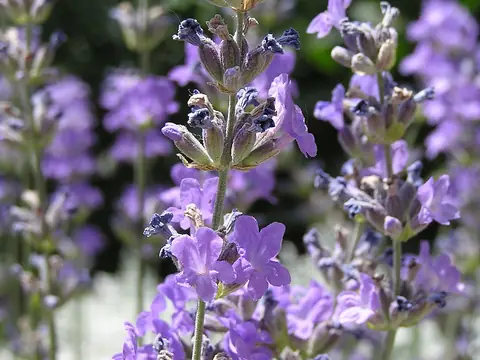 Lavender
Photo: Andrey Butko · GFDL 1.3 · Wikimedia Commons
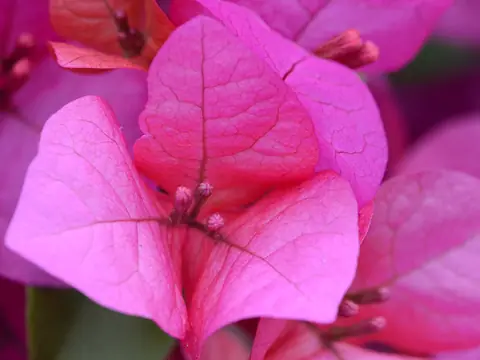 Bougainvillea
Photo: Clint Budd · CC BY 2.0 · Wikimedia Commons
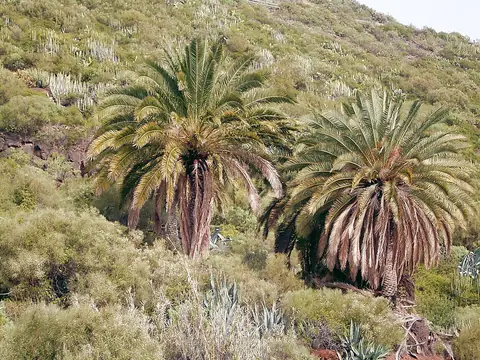 Canary Island date palm
Photo: Frank Vincentz · CC BY-SA 3.0 · Wikimedia Commons
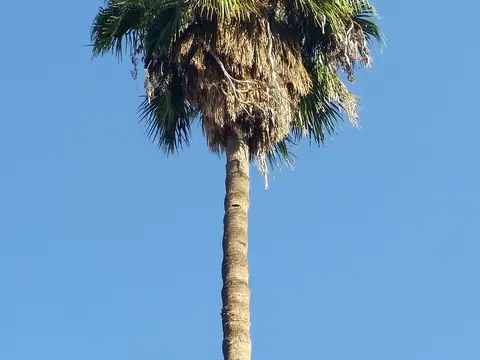 Mexican fan palm
Photo: Emőke Dénes · CC BY-SA 4.0 · Wikimedia Commons
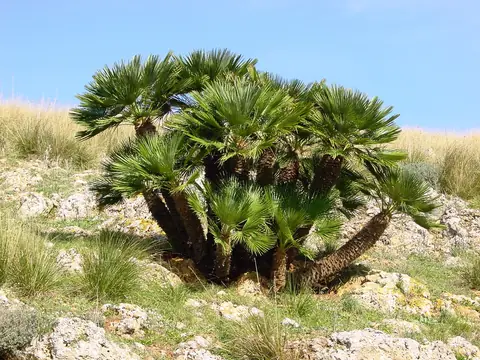 Dwarf fan palm
Photo: tato grasso · CC BY-SA 2.5 · Wikimedia Commons
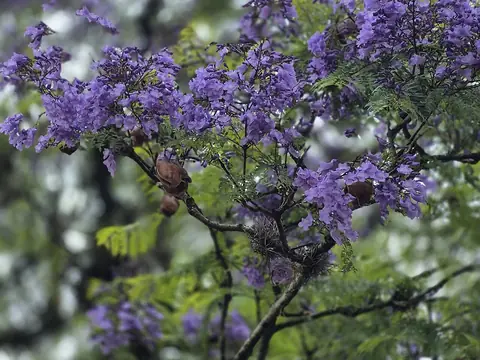 Jacaranda
Photo: O Tupinólogo · CC BY 4.0 · Wikimedia Commons
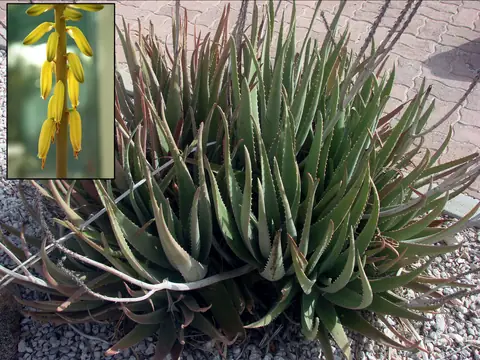 Aloe vera
Photo: MidgleyDJ (collage of Wikimedia Commons images) · CC BY-SA 3.0 · Wikimedia Commons
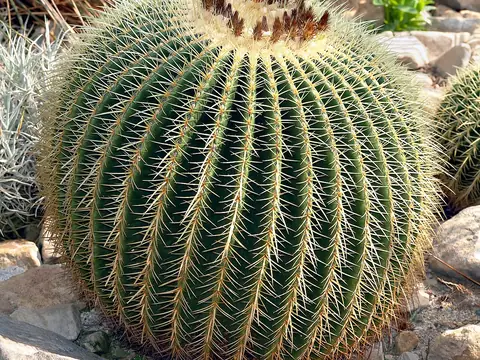 Golden barrel cactus
Photo: André Karwath aka Aka · CC BY-SA 2.5 · Wikimedia Commons
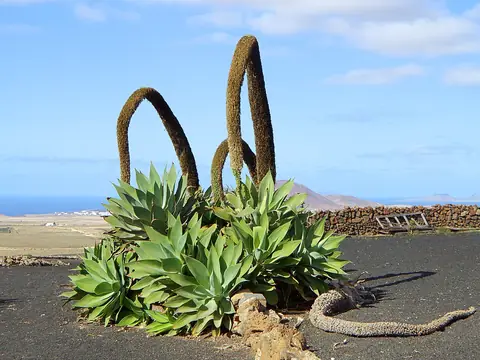 Foxtail agave
Photo: H. Zell · CC BY-SA 3.0 · Wikimedia Commons
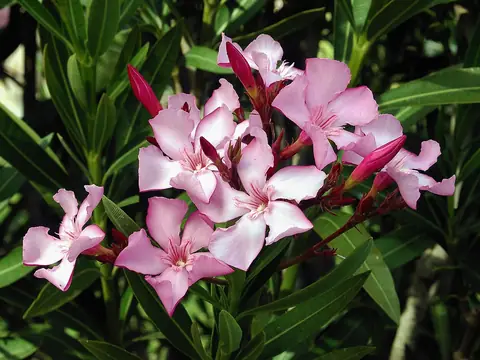 Oleander
Photo: Alvesgaspar · CC BY 2.5 · Wikimedia Commons
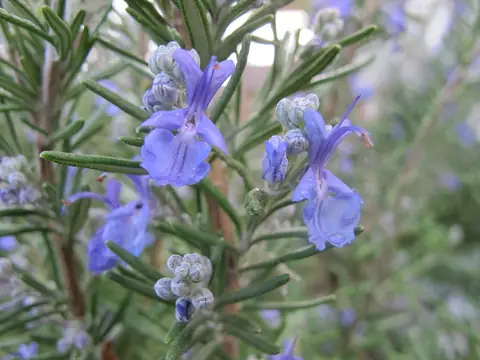 Rosemary
Photo: Margalob · CC BY-SA 4.0 · Wikimedia Commons
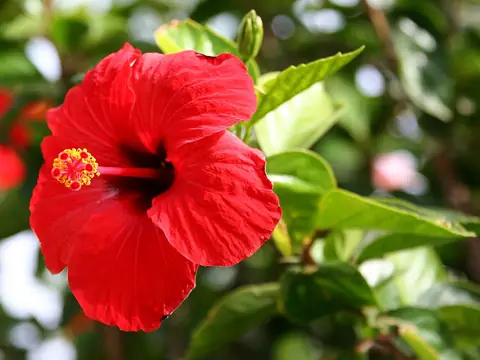 Chinese hibiscus
Photo: Andy / Andrew Fogg from near Cambridge, UK · CC BY 2.0 · Wikimedia Commons
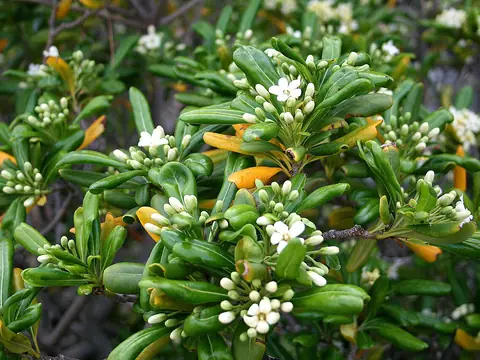 Japanese pittosporum
Photo: Jean-Pol GRANDMONT · CC BY 3.0 · Wikimedia Commons
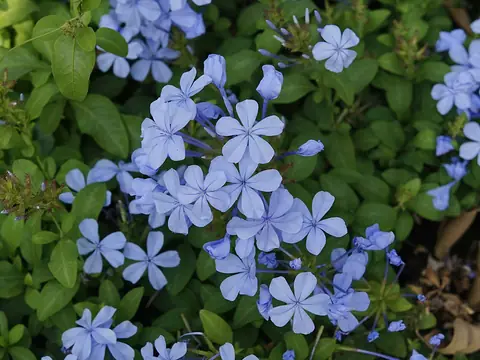 Cape leadwort
Photo: Vengolis · CC BY-SA 4.0 · Wikimedia Commons
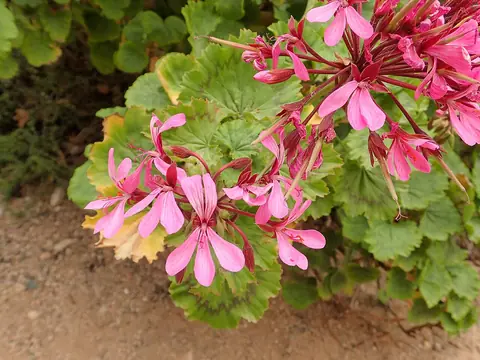 Geranium
Photo: Peter Warren · CC0 · Wikimedia Commons
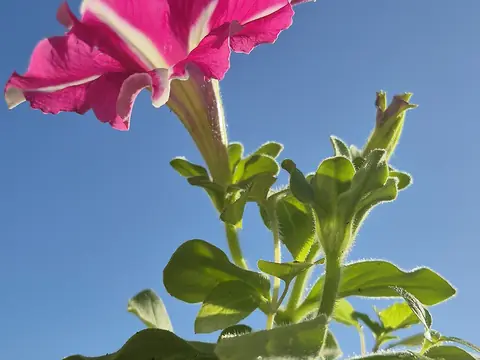 Petunia
Photo: Gabriel Collares · CC BY 4.0 · Wikimedia Commons
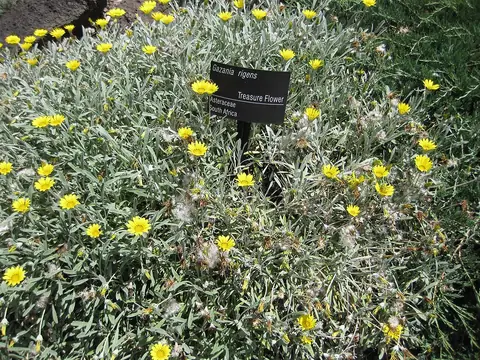 Gazania
Photo: Raffi Kojian · CC BY-SA 3.0 · Wikimedia Commons
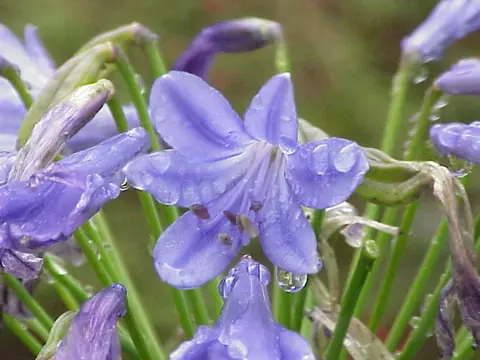 Agapanthus
Photo: Kurt Stüber · CC BY-SA 3.0 · Wikimedia Commons
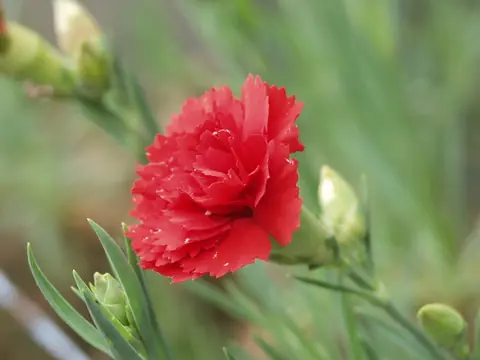 Carnation
Photo: 草花写真館 · CC BY-SA 3.0 · Wikimedia Commons
 Lawn (tall fescue)
Photo: Berglund from Richardson, Texas, USA · CC BY 2.0 · Wikimedia Commons
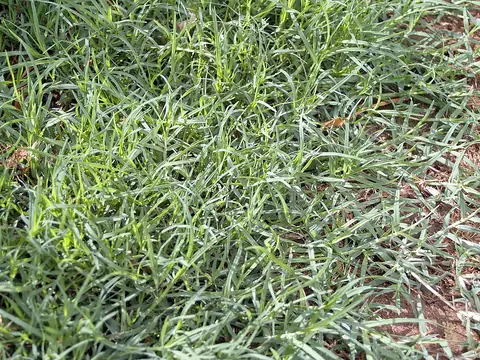 Lawn (Bermuda grass)
Photo: Bidgee · CC BY-SA 3.0 · Wikimedia Commons
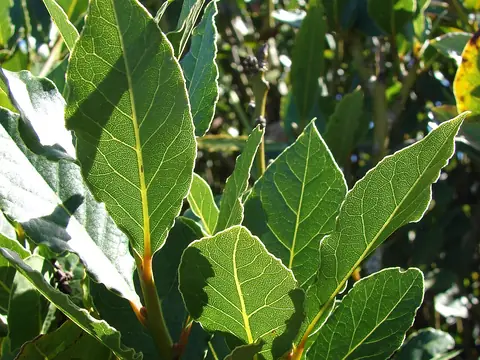 Bay laurel
Photo: Forest and Kim Starr · CC BY 3.0 us · Wikimedia Commons
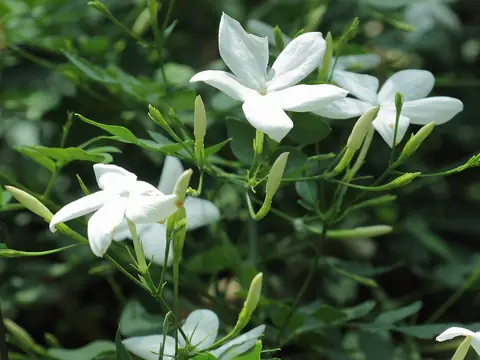 Jasmine
Photo: C T Johansson · CC BY-SA 3.0 · Wikimedia Commons
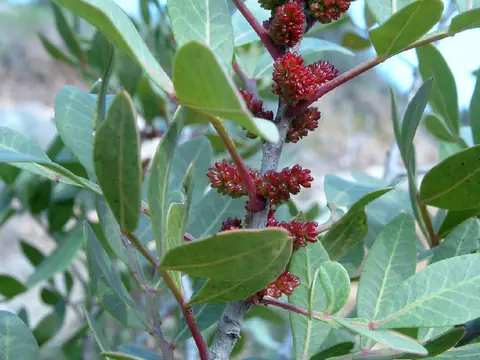 Mastic tree
Photo: Lumbar~commonswiki · CC BY-SA 3.0 · Wikimedia Commons
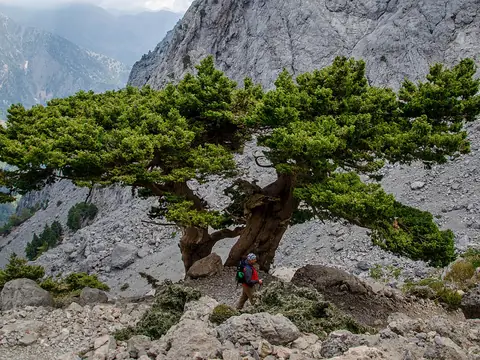 Italian cypress
Photo: Andloukakis · CC BY-SA 4.0 · Wikimedia Commons
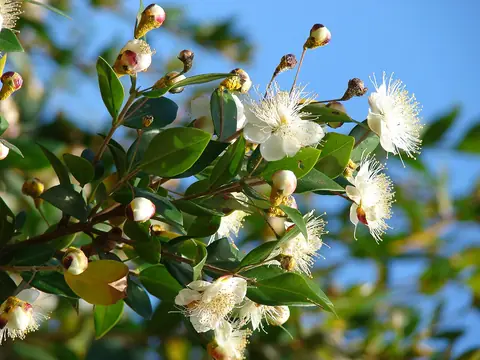 Myrtle
Photo: Forest & Kim Starr · CC BY 3.0 · Wikimedia Commons
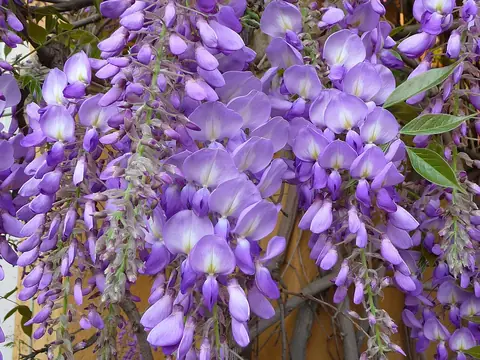 Wisteria
Photo: 3268zauber · CC BY-SA 3.0 · Wikimedia Commons
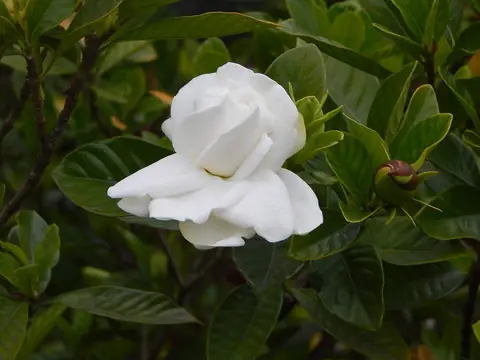 Gardenia
Photo: Adriel anv00 · CC BY-SA 4.0 · Wikimedia Commons
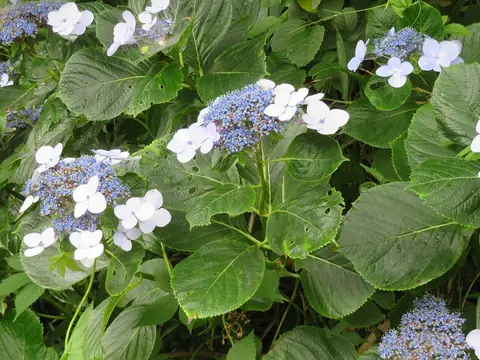 Hydrangea
Photo: belvedere04 · CC BY 4.0 · Wikimedia Commons
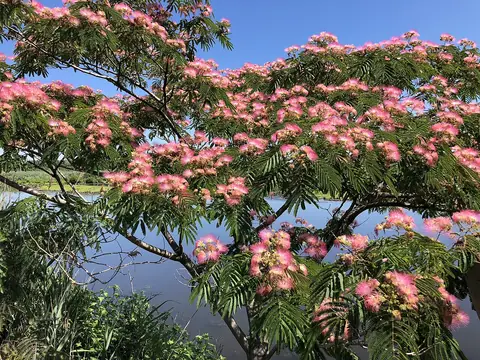 Silk tree
Photo: Famartin · CC BY-SA 4.0 · Wikimedia Commons
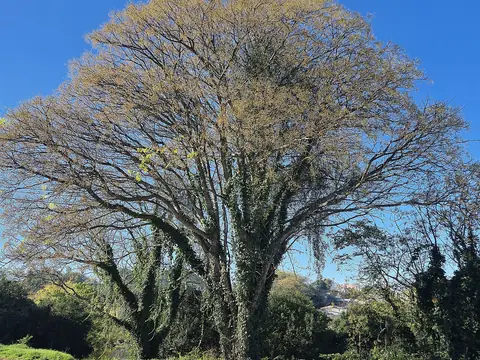 Chinaberry
Photo: O Tupinólogo · CC BY 4.0 · Wikimedia Commons
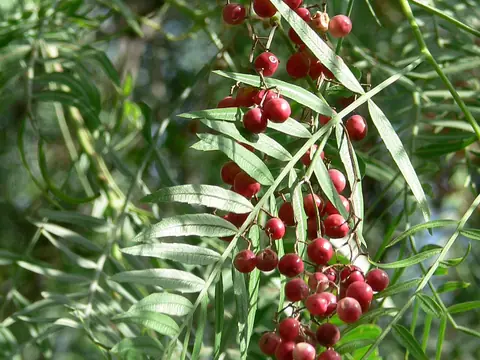 Peruvian pepper tree
Photo: Squeezeweasel at en.wikipedia · CC BY 2.5 · Wikimedia Commons
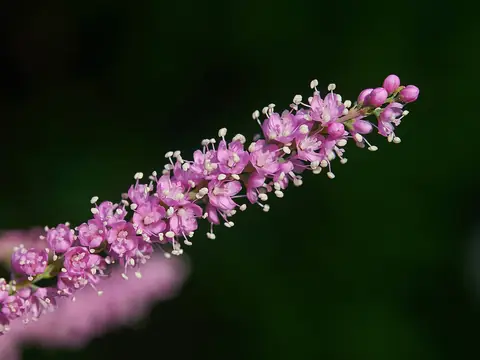 Tamarisk
Photo: Wouter Hagens · CC BY-SA 4.0 · Wikimedia Commons
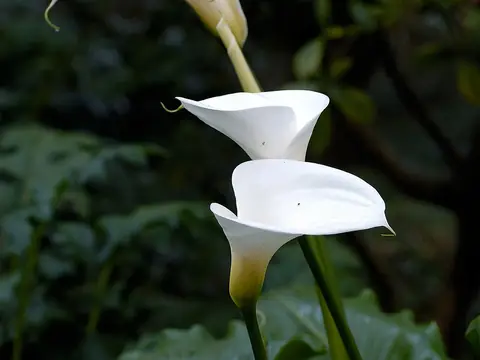 Calla lily
Photo: Eric Hunt · CC BY-SA 2.5 · Wikimedia Commons
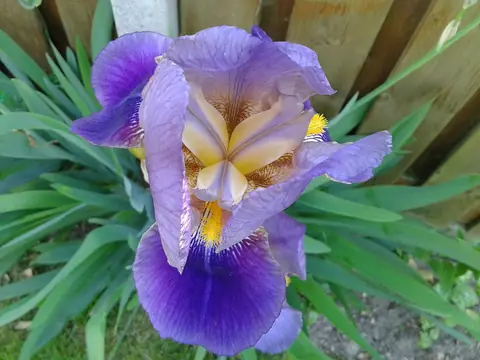 Bearded iris
Photo: User:GinoMM · CC BY-SA 3.0 · Wikimedia Commons
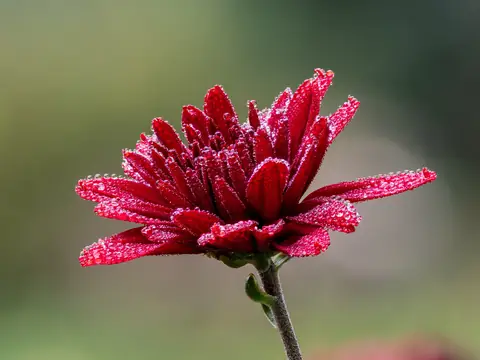 Chrysanthemum
Photo: Ermell · CC BY-SA 4.0 · Wikimedia Commons
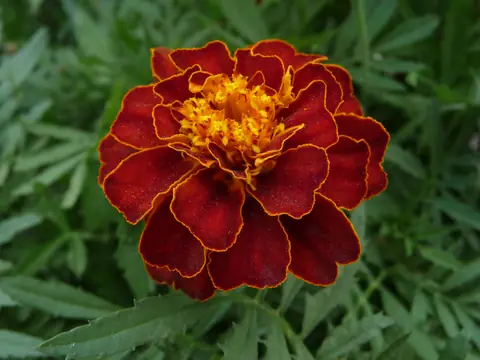 Marigold
Photo: George Chernilevsky · Public domain · Wikimedia Commons
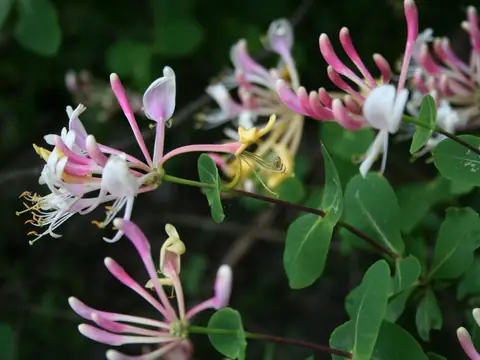 Honeysuckle
Photo: Franz Xaver · CC BY-SA 3.0 · Wikimedia Commons
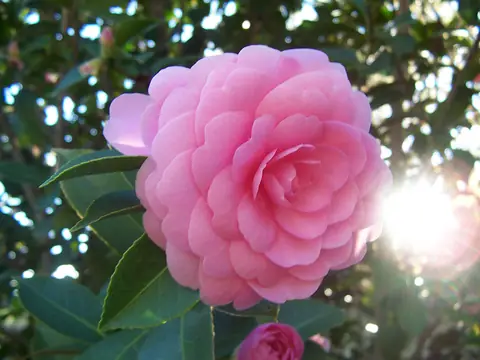 Camellia
Photo: No machine-readable author provided. User:Fir0002 assumed (based on copyright claims). · CC BY-SA 3.0 · Wikimedia Commons
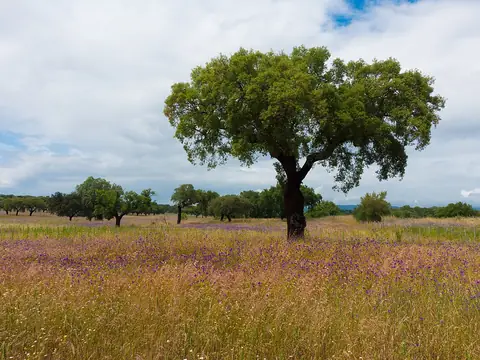 Cork oak
Photo: Kent Wang from London, United Kingdom · CC BY-SA 2.0 · Wikimedia Commons
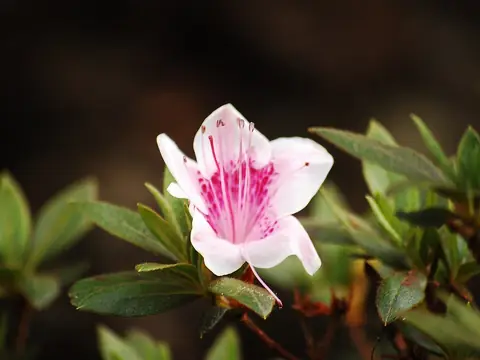 Azalea
Photo: Challiyan · CC BY-SA 4.0 · Wikimedia Commons
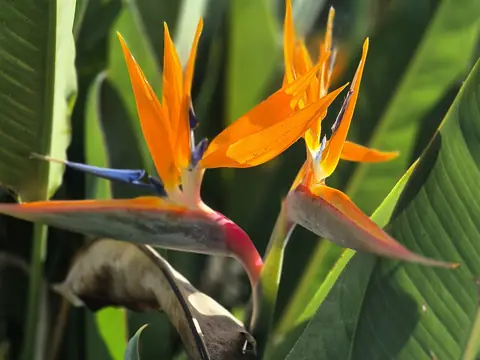 Bird of paradise
Photo: Gabriel Collares · CC BY 4.0 · Wikimedia Commons
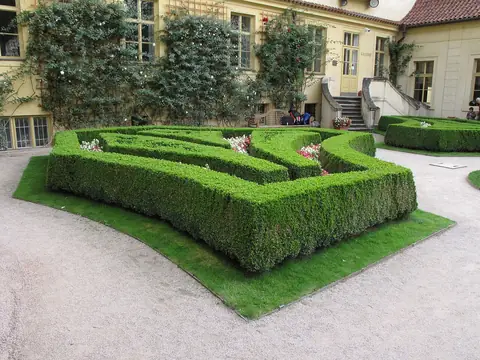 Box
Photo: Juan de Vojníkov · CC BY-SA 3.0 · Wikimedia Commons
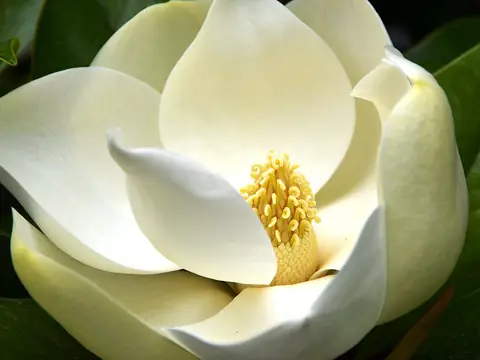 Southern magnolia
Photo: Josep Renalias Lohen11 · CC BY-SA 3.0 · Wikimedia Commons
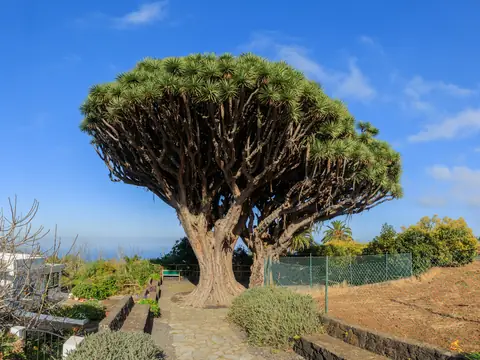 Dragon tree
Photo: H. Zell · CC BY-SA 3.0 · Wikimedia Commons
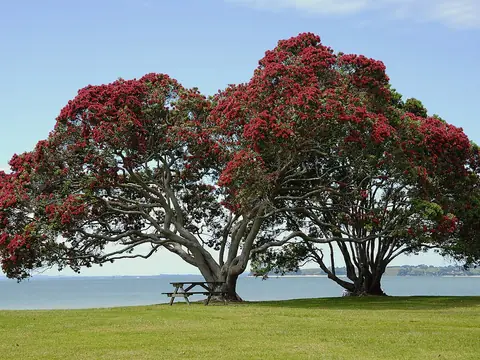 New Zealand Christmas tree
Photo: Ed323 at English Wikipedia · Public domain · Wikimedia Commons
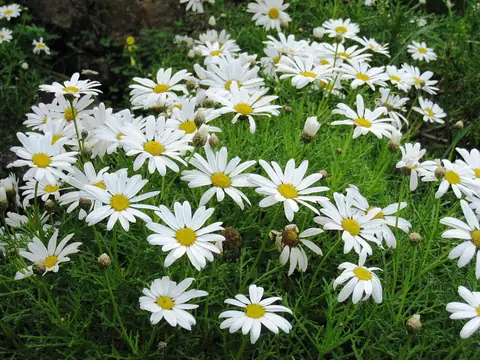 Marguerite daisy
Photo: Dryas · CC BY-SA 3.0 · Wikimedia Commons
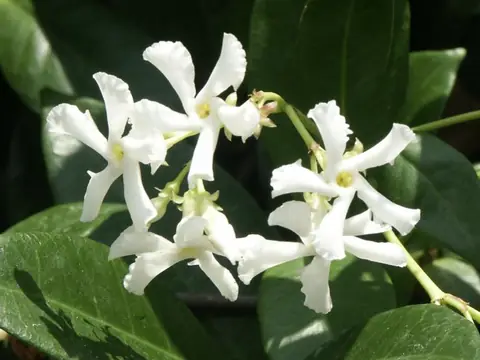 Star jasmine
Photo: Scott Zona from USA · CC BY 2.0 · Wikimedia Commons
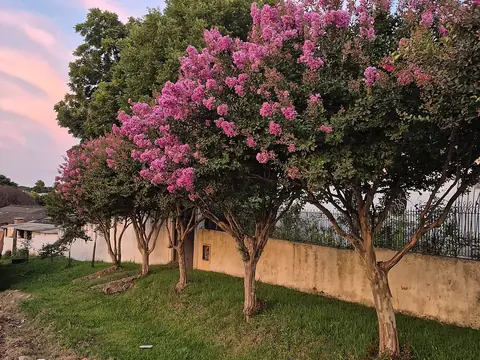 Crape myrtle
Photo: Gabriel Collares · CC BY 4.0 · Wikimedia Commons
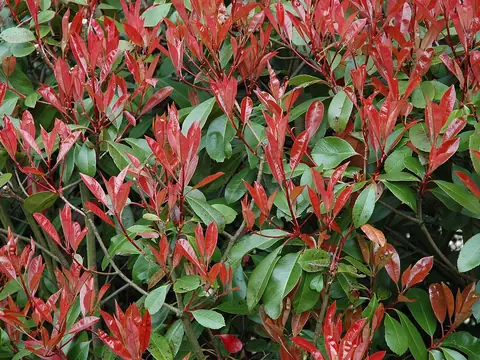 Red-tip photinia
Photo: Wouter Hagens · Public domain · Wikimedia Commons
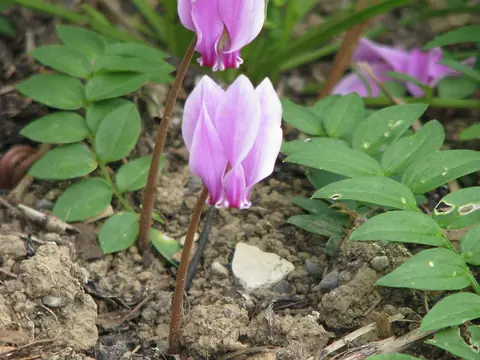 Cyclamen
Photo: peganum from Small Dole, England · CC BY-SA 2.0 · Wikimedia Commons
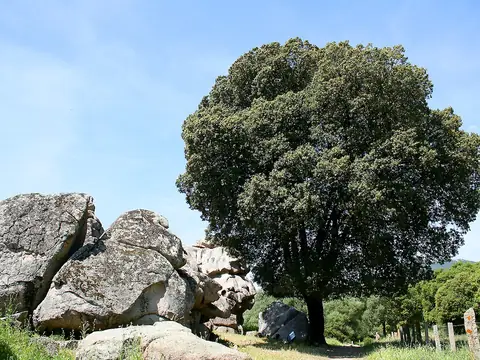 Holm oak
Photo: Jean-Pol GRANDMONT · CC BY 3.0 · Wikimedia Commons
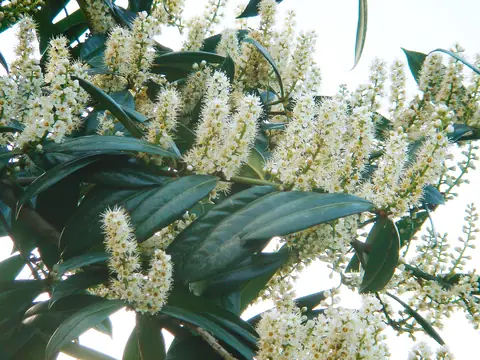 Cherry laurel
Photo: Karduelis · Public domain · Wikimedia Commons
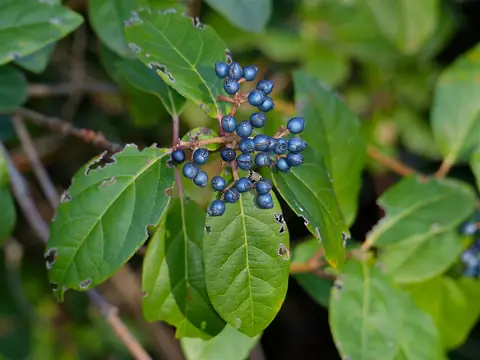 Laurustinus
Photo: Bernard DUPONT from FRANCE · CC BY-SA 2.0 · Wikimedia Commons
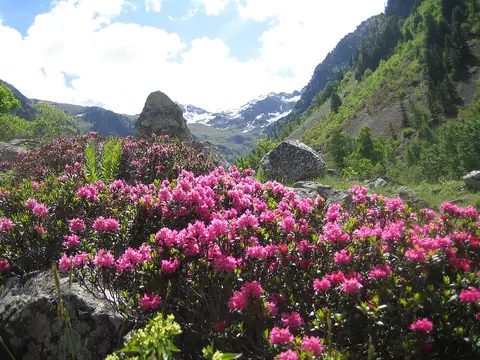 Rhododendron
Photo: albert kok · CC BY 3.0 · Wikimedia Commons
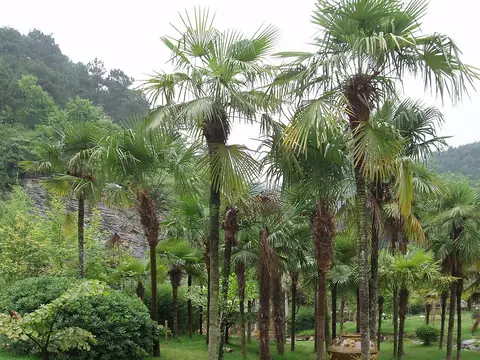 Chinese windmill palm
Photo: Taken by Fanghong · CC BY-SA 3.0 · Wikimedia Commons
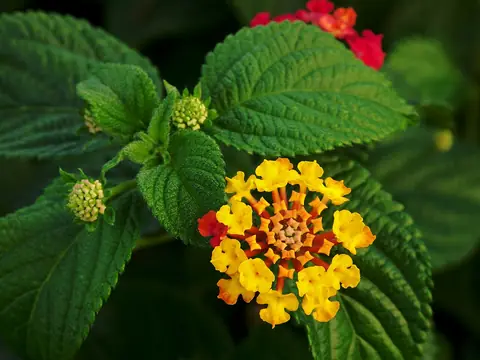 Lantana
Photo: Alvesgaspar · CC BY-SA 3.0 · Wikimedia Commons
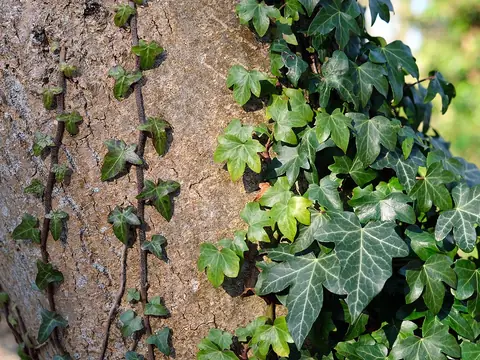 Ivy
Photo: kallerna · CC BY-SA 4.0 · Wikimedia Commons
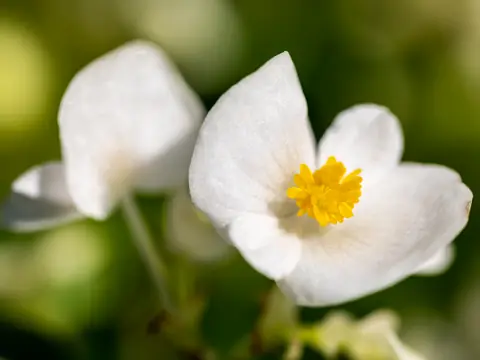 Begonia
Photo: Dietmar Rabich · CC BY-SA 4.0 · Wikimedia Commons
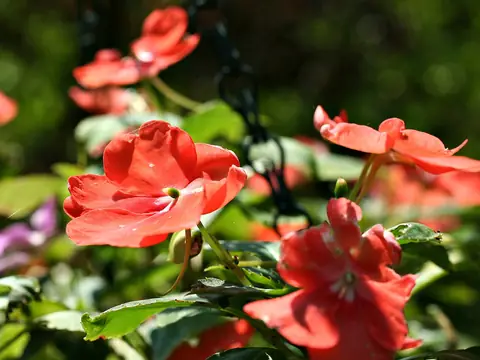 Busy Lizzie (impatiens)
Photo: Thegreenj · CC BY-SA 3.0 · Wikimedia Commons
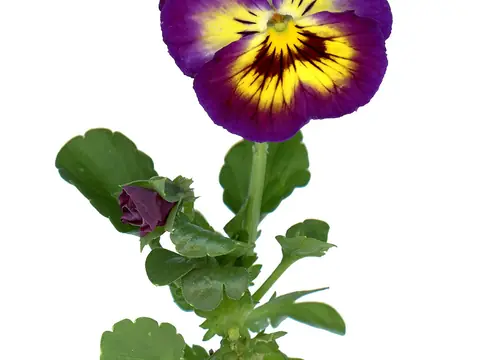 Pansy
Photo: Osnat Ravid Amir · CC BY-SA 4.0 · Wikimedia Commons
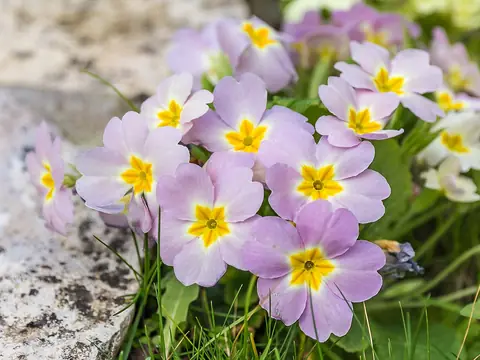 Primrose
Photo: Another one of my pictures: This photograph was taken by Medium69 (William Crochot) and released und · CC BY-SA 4.0 · Wikimedia Commons
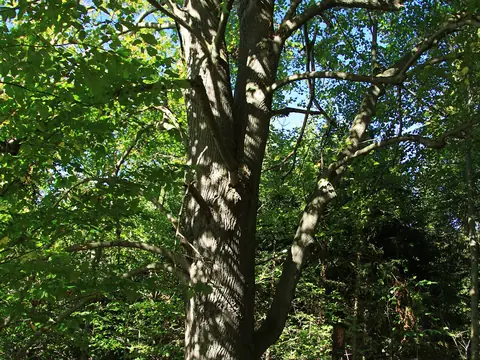 Linden (lime tree)
Photo: Chmee2 · CC BY-SA 3.0 · Wikimedia Commons
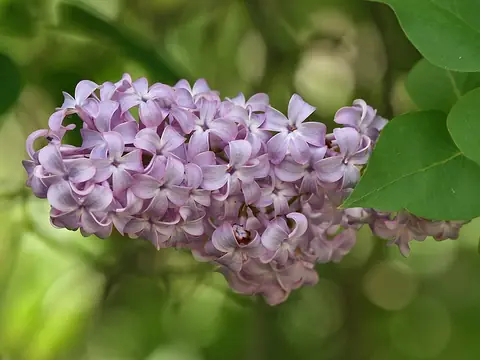 Lilac
Photo: Jjron · CC BY-SA 3.0 · Wikimedia Commons
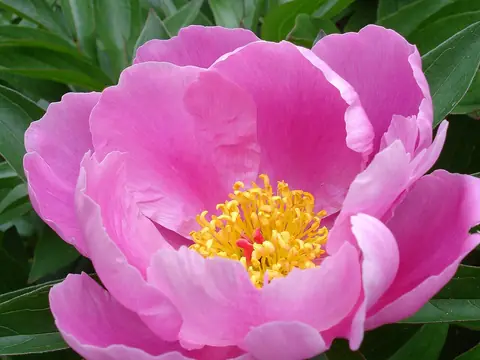 Peony
Photo: Ulf Eliasson · CC BY-SA 3.0 · Wikimedia Commons
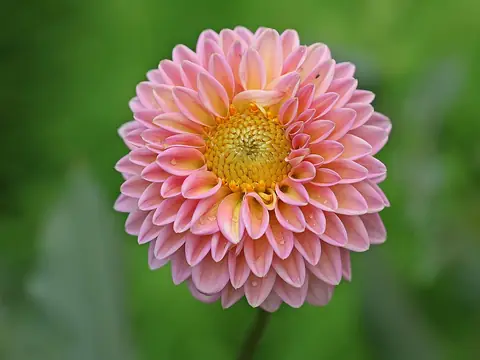 Dahlia
Photo: Muhammad Mahdi Karim · GFDL 1.2 · Wikimedia Commons
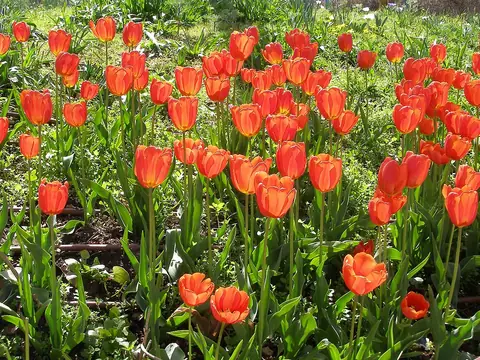 Tulip
Photo: Dina L · CC0 · Wikimedia Commons
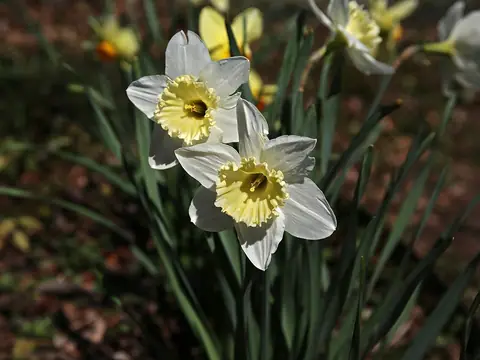 Daffodil
Photo: Atsme · CC BY-SA 4.0 · Wikimedia Commons
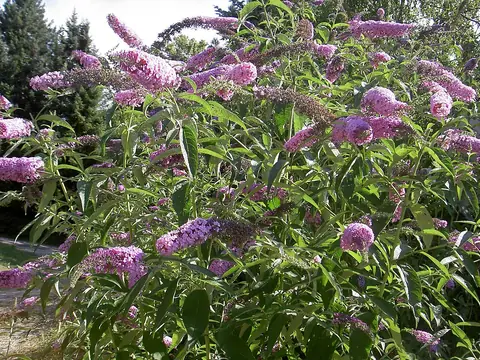 Butterfly bush
Photo: --IKAl 15:22, 23 July 2007 (UTC) · CC BY-SA 2.5 · Wikimedia Commons
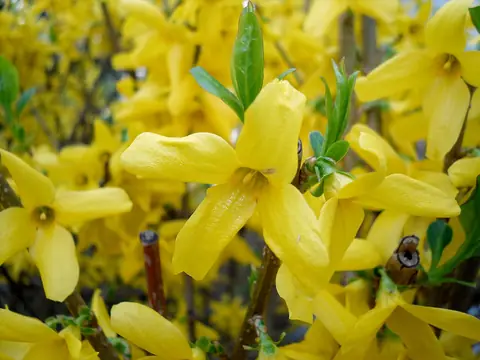 Forsythia
Photo: Seha bs · CC BY-SA 3.0 · Wikimedia Commons
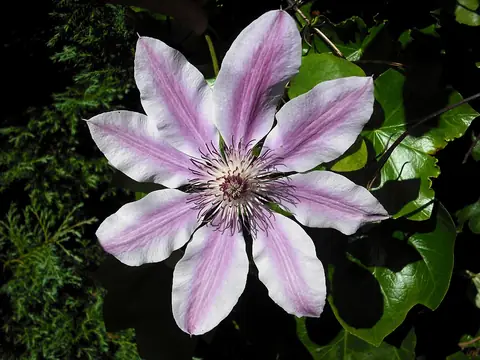 Clematis
Photo: Jolly Janner · Public domain · Wikimedia Commons
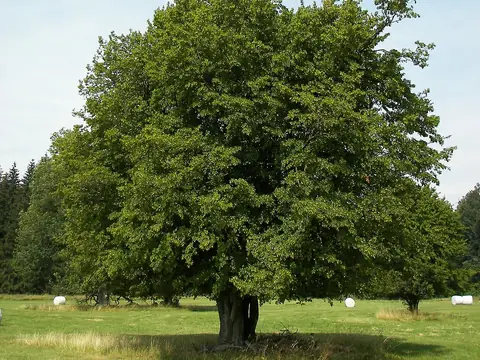 Hornbeam
Photo: Willow · CC BY 2.5 · Wikimedia Commons
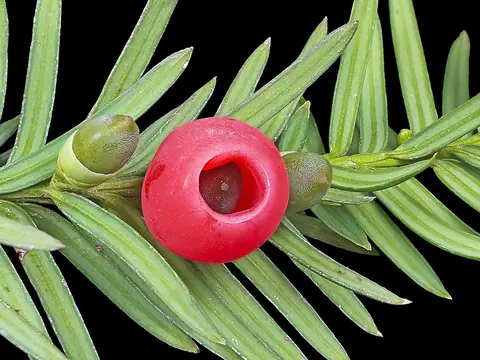 Yew
Photo: Didier Descouens · CC BY-SA 4.0 · Wikimedia Commons
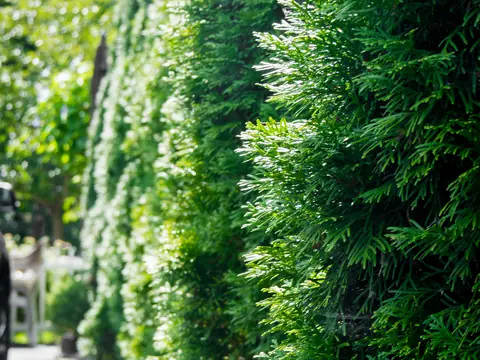 Thuja (arborvitae)
Photo: Jess Mann · CC BY-SA 4.0 · Wikimedia Commons
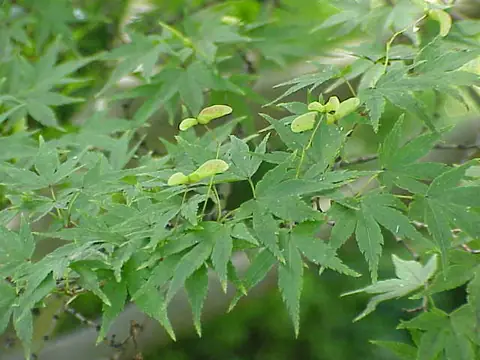 Japanese maple
Photo: Kurt Stüber · CC BY-SA 3.0 · Wikimedia Commons
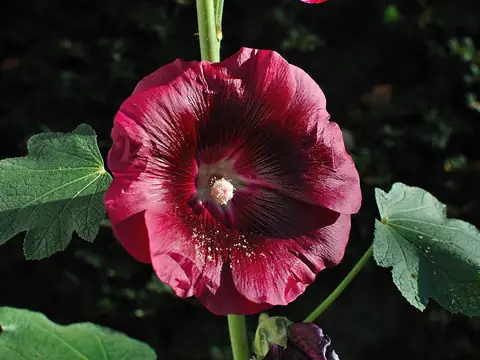 Hollyhock
Photo: PJDespa · CC BY-SA 3.0 · Wikimedia Commons
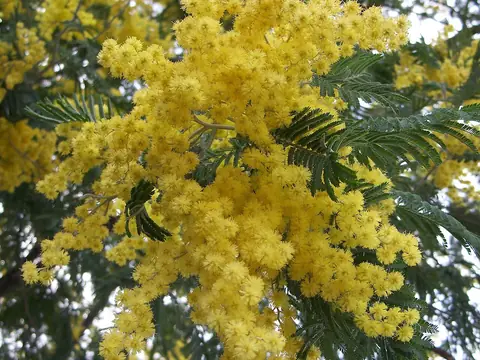 Silver wattle (mimosa)
Photo: Eugene Zelenko (talk · contribs) · CC BY-SA 4.0 · Wikimedia Commons
