Your garden in Spain, month by month
What to sow, plant, feed and treat each month for your Spanish province and soil. Guides to 216 plants, a soil test and a personal calendar.
Choose your province
Mild Mediterranean
Continental interior
Canary Islands (subtropical)
How it works
- Pick your province: dates follow its climate.
- See this month's jobs: sowing, planting, harvest, feeding and treatments with doses.
- Set up My garden with your plants and tick off what you've done.
Plants
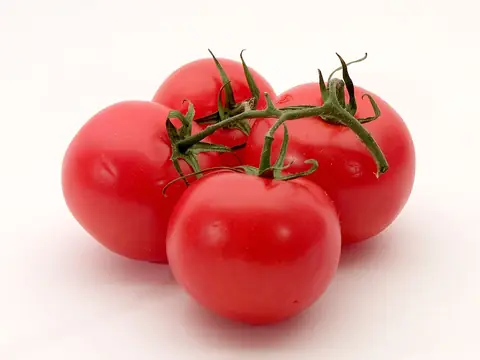 TomatoVegetables
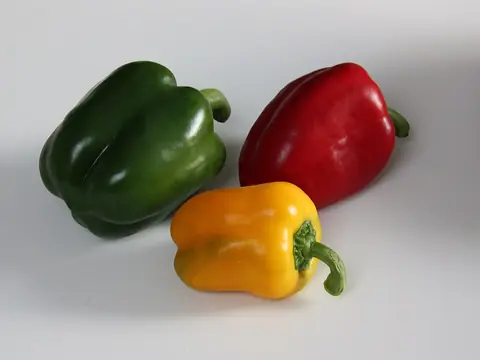 PepperVegetables
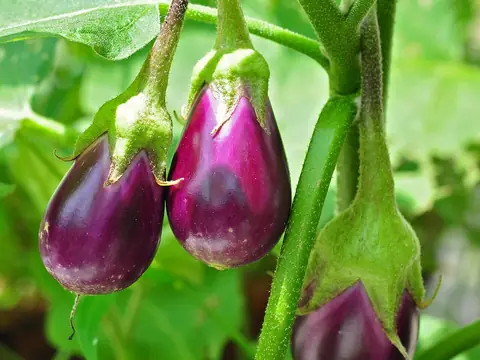 AubergineVegetables
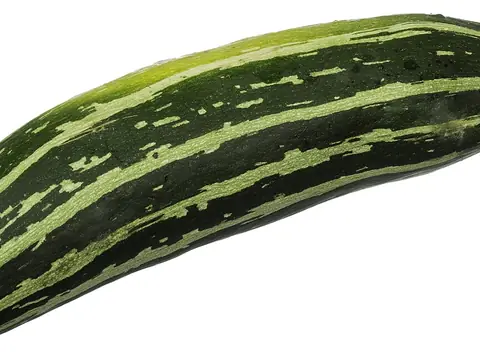 CourgetteVegetables
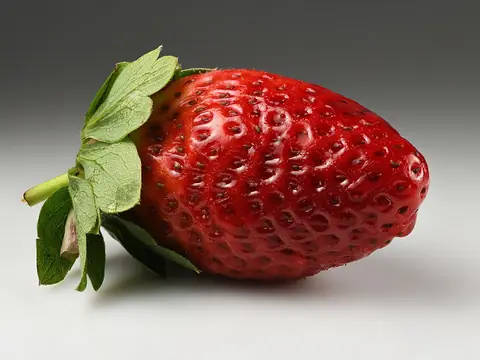 StrawberryFruit & berries
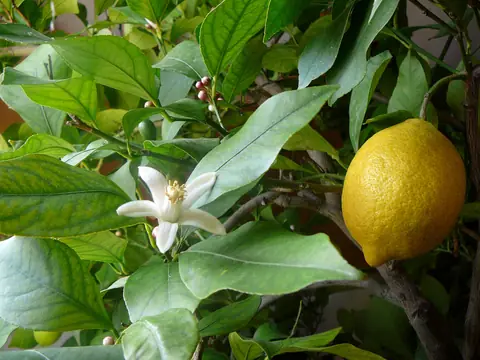 Lemon treeFruit & berries
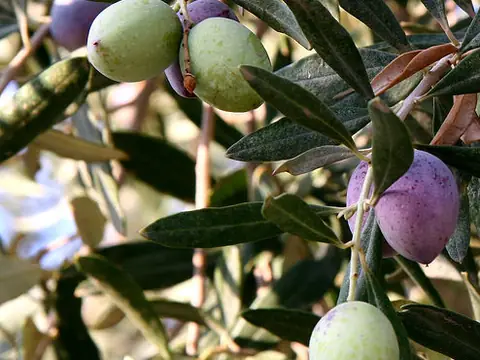 Olive treeFruit & berries
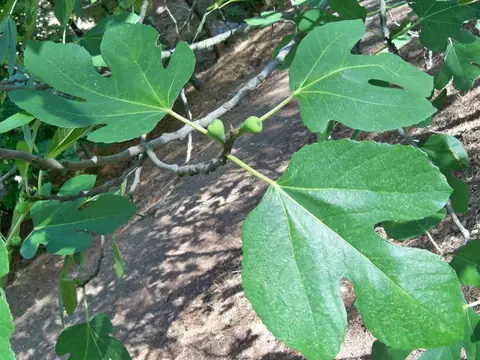 Fig treeFruit & berries
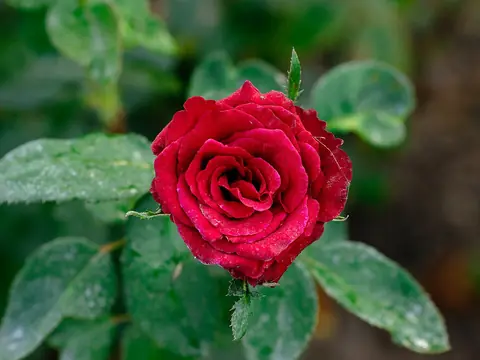 RoseOrnamentals
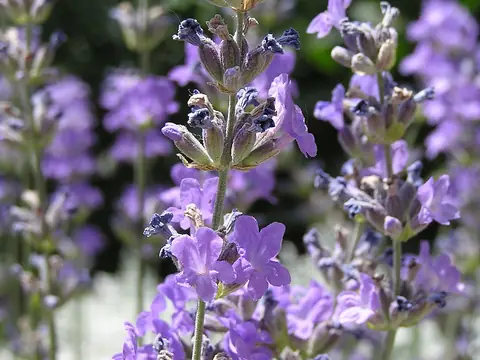 LavenderOrnamentals
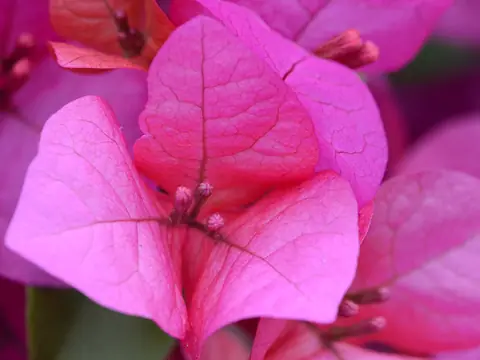 BougainvilleaOrnamentals
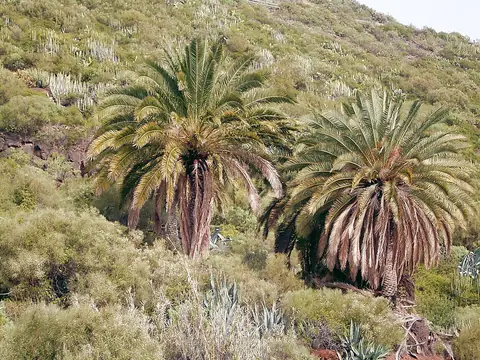 Canary Island date palmOrnamentals
Latest news
- Planting diary in My gardenNote what you sowed or planted and when: Hortario works out the next steps day by day and reminds you.
- Hortario comes to France: 96 departments and 24 new plantsThe garden calendar now covers all 96 departments of mainland France, using Météo-France climate normals, and the catalogue grows to 216 plants.
- +33 plants for Italian gardensThere are now 192 plants: asparagus, cavolo nero, Savoy cabbage, cardoon, lamb's lettuce, bergamot, star jasmine, crape myrtle, photinia, cyclamen, windmill palm and more.
Your own calendar, with only your plants
- Choose what grows in your garden
- Personal jobs, feeds and treatments every month
- Phone reminders when it's time to sow, feed or spray
- No ads
