Real photos for all 77 plants
The drawings in the plant guides have been replaced with real photographs from Wikimedia Commons. We checked each one to make sure it shows the right plant, and where the first image was unclear we picked a better one.
The photos are under free licences (CC BY, CC BY-SA, public domain), so you will see the author and licence under every image. The full list is on Photo credits.
Images are served as WebP in two sizes, so pages still load fast on a phone.
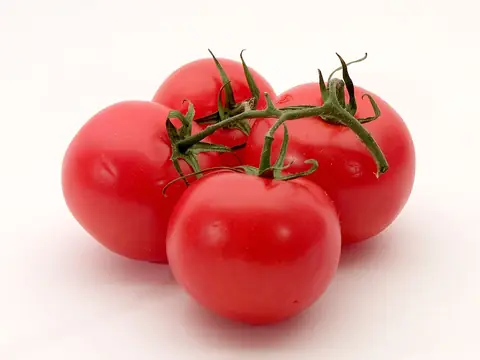 Tomato
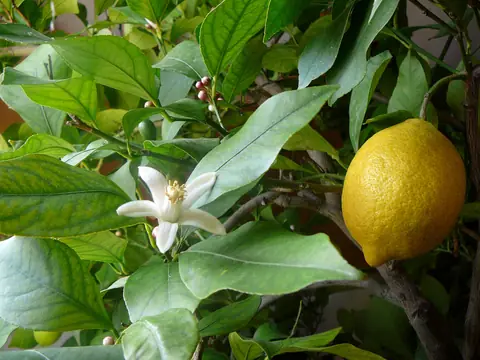 Lemon tree
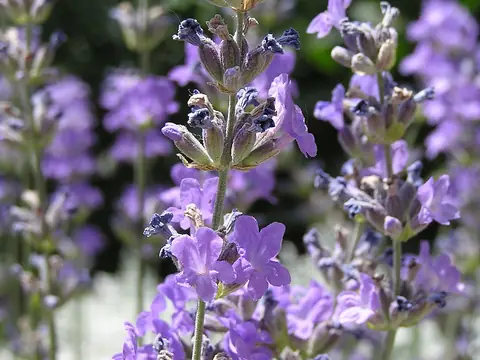 Lavender
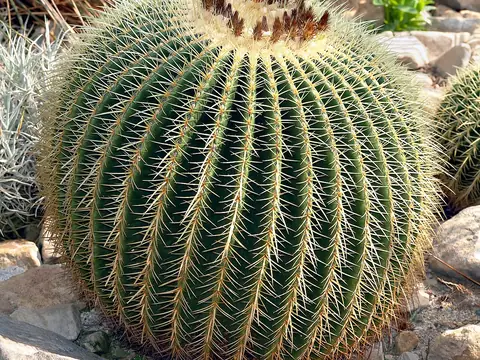 Golden barrel cactus
